
Security
Account Security Tips For Online Banking: Stay Protected
Boost your digital safety with expert account security tips that transform your online banking experience. What secret trick comes next?
Have you ever wondered how a few simple steps can protect your money online? Online banking might feel a bit risky at times, but taking basic actions like setting up a strong password (a special code that keeps out unwanted users) and checking that the website starts with "https" (a sign it is secure) can really help. Think of your password like a secret key that stops strangers from getting in, and imagine a locked screen as a sturdy door guarding your account. This guide shares easy, practical tips to keep your account safe because a little extra care today means a brighter, more secure tomorrow.
Essential Guidelines for Account Security in Online Banking
Keeping your money safe online is really important, and it doesn't have to be complicated. Start by coming up with strong passwords. Think of your password as a secret key, use eight or more characters that mix letters, numbers, and special symbols. Instead of using obvious details like your birthday or Social Security number, try something unexpected. For example, swap "John1985" for something like "9#Lp!m3Q" to really lock things down.
Next, take a moment to check that any banking website you visit starts with "https" before you type any personal details. This bit is like making sure your front door is securely locked before you leave the house. It gives you that extra peace of mind that your information is sent over a safe connection.
And be careful with emails asking for your personal data, especially if they include attachments like .exe or .bat files, which might carry harmful software. Keeping your computer’s operating system, browser, and apps up to date is a smart move too. It helps fend off any sneaky malware that might otherwise try to sneak in.
Don’t forget to protect your smartphone, too. A quick screen lock, whether that’s a passcode, a pattern, or even using your fingerprint, can make a big difference. Plus, taking a few moments every so often to review your account activity can help catch anything unusual right away.
For even more simple, secure tips on digital banking, you can check out more guidance at this account security page: account security. These straightforward steps come together to form a strong foundation for keeping your online financial accounts safe and sound.
Strong Password and Authentication Strategies for Online Banking Security
When setting up your online banking, create a passcode that has at least eight characters. Mix up letters, numbers, and symbols. Avoid using familiar details like birthdays or Social Security numbers. Instead, try something like "8!bR2#5q" to keep it really hard to guess. Remember, each account should have its very own passcode.
Advanced Authentication Strategies
It’s a good idea to change your passcodes every few months. That way, even if someone figures out an old passcode, they can’t use it to get into your account.
Another smart move is to use multi-factor verification. This means that after you type your passcode, you get another check – like a one-time code sent to your phone or a fingerprint scan (a safe way to confirm you are who you say you are). Think of it like adding an extra lock on your door for more security.
By updating your passcodes regularly and adding extra layers of checks, you build a strong and easy-to-manage defense for your online banking.
Anti-Phishing Techniques and Scam Email Avoidance in Online Banking
Phishing emails are crafty tricks designed to steal your personal information. Always take a moment to check the sender’s email address carefully. If you get an urgent message asking you to verify your account or click a link, slow down. Picture an email saying your account will lock if you don’t act fast. Also, be wary of attachments. Files ending in .exe, .jar, .bat, or .msi can be dangerous. Fun fact: before Marie Curie became a famous scientist, she carried test tubes of radioactive material in her pockets, completely unaware of the risks ahead.
Here are a few simple tips to keep you safe:
- Double-check who sent the email before you open it.
- Avoid clicking on links that seem unfamiliar or too urgent.
- Look over attachments closely, especially if they have endings like .docm or .pptm.
- If you’re unsure about something, call your bank directly to confirm.
Taking a moment to review every email with care can really lower your risk of falling for online scams. Think of these steps as a shield that guards your personal data and makes your digital banking much safer. A little extra caution now can save you a lot of trouble later. Stay alert, and keep your banking details secure.
Secure Connection and Network Practices for Online Banking
When you bank online, start by checking that the website address begins with "https." Think of it like a sturdy lock on your front door. If you see "https" before the web address, you know your details are being sent safely (a secured way to move your data).
It is also important to choose a safe network. Public Wi-Fi might seem handy, but it can put your personal financial details at risk. When you check your bank account, stick to trusted networks like your home internet or a secure office Wi-Fi. Imagine sharing sensitive information only with people you truly trust.
Using a virtual private network, or VPN, can add another layer of security. A VPN works like a secret tunnel for your online activities. So when you log in to your bank, your private information is wrapped in extra protection using encryption (a method to scramble data so that others cannot read it).
It helps to know the privacy rules for your website too. Reading the privacy policy shows you exactly how your data is managed, much like learning how a trusted bank keeps your money safe.
| What to Check | Why It Matters |
|---|---|
| https in URL | Makes sure the connection is secure and your data is encrypted |
| Trusted Wi-Fi | Helps stop others from getting access to your personal data |
| VPN Usage | Keeps your online actions hidden from prying eyes |
By following these simple tips, you can help keep your financial information safe each time you bank online.
Device Protection, App Safety, and Software Updates for Online Banking
Imagine your phone is like a little safe for your online banking. Start by setting up a screen lock with a passcode, pattern, or fingerprint. Think of it like locking your safe deposit box, you only need one quick tap on biometric authentication (using your unique fingerprint or face) to keep everything secure.
Stick to downloading apps from official, trusted sources like certified app stores or your bank’s own website. It’s a lot like only buying things from stores you trust. And remember, try not to store sensitive details on your device unless you really have to, like not leaving your keys on the front step.
Keep your software updated as well. Regular updates for your operating system, browser, and apps help seal up any security leaks, much like tightening the screws on your bike. Plus, adding antivirus or antispyware software is a smart extra step; it’s like having a friendly security guard on the lookout for any suspicious activity.
| Tip | Description |
|---|---|
| Screen Lock | Use a passcode, pattern, or biometrics to secure your device |
| Trusted Apps | Download apps only from official sources |
| Sensitive Data | Avoid storing sensitive information on your device |
| Software Updates | Keep your operating system, apps, and browser current |
| Antivirus/Antispyware | Use these tools to block malware as an extra layer of defense |
Real-Time Transaction Monitoring and Alert Setup for Ongoing Online Banking Security
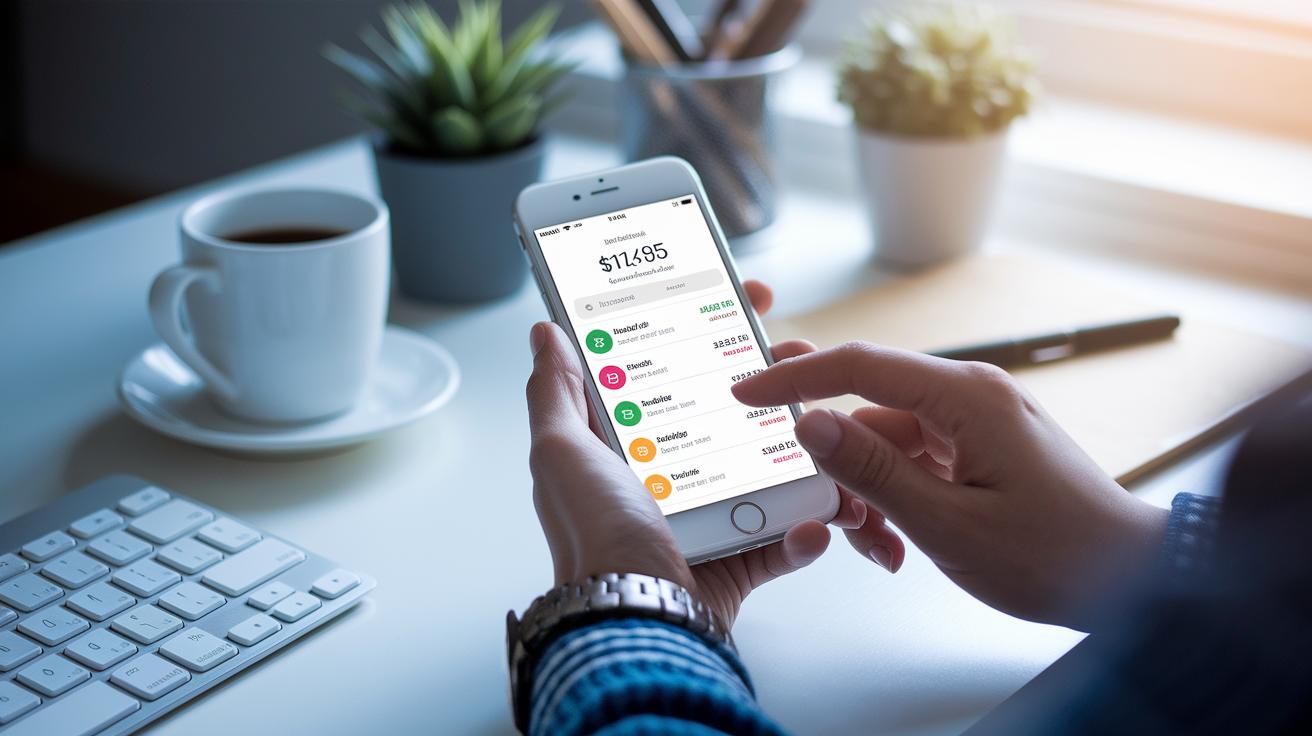
Keep a close watch on your accounts by turning on real-time transaction monitoring. This means you’ll get an immediate alert whenever there’s any activity, kind of like getting a quick note every time your money moves.
Checking your account every day is both simple and effective. Think of it as your morning routine: take a moment to review your transactions and make sure they all look right. That way, if you spot a charge you don’t recognize, you can catch it before it becomes a bigger issue.
You can also set up fraud alerts on your banking dashboard as an early warning system. These alerts notify you if something unusual happens, like unexpected spending or transactions from another country. Here’s an easy list to keep you protected:
- Enable real-time alerts
- Check your activity log daily
- Review transactions as soon as you’re notified
Using these alerts helps protect your account and gives you peace of mind. By keeping an eye on your transactions and acting quickly if anything seems off, you make sure your online banking stays secure.
Final Words
In the action, we covered a range of key practices to keep your funds safe. We looked at creating strong passcodes, using multi-factor verification, and staying alert to phishing emails. We also discussed the importance of checking for the secure "https" in your online banking and keeping your devices and apps updated. These account security tips for online banking are meant to give you immediate steps to secure your digital finances. Stay confident and enjoy the peace of mind that comes with proactive security measures.
FAQ
How to secure and keep your bank account safe online?
Securing your bank account means using strong passcodes, checking for secure “https” sites, adding an extra verification step (like two-factor authentication), updating your software, and monitoring transactions in real time.
How can I lock my bank account temporarily or online, including my savings at Bank of America?
Locking your bank account typically involves using your bank’s online tools or calling customer service to request a temporary hold, even for savings accounts at banks like Bank of America.
What are some tips for managing and enhancing my online bank account security?
Managing your online bank account means using extra verification steps, updating your passcodes regularly, keeping your device secure, and reviewing your account activity to spot any unusual transactions early.
How do I protect my bank account from identity theft?
Protecting your bank account from identity theft means guarding your personal information, avoiding suspicious emails or links, using strong authentication methods, and checking your account regularly for any unauthorized activity.
What are seven essential internet safety tips for online banking?
Seven key internet safety tips include using strong passcodes, activating two-factor authentication, confirming secure “https” connections, updating apps and systems, steering clear of risky emails, using trusted networks, and setting up transaction alerts.
Can someone withdraw money with just my account and routing number?
With just your account and routing numbers, it is usually not enough to withdraw funds; however, always keep your personal details secure to prevent fraudsters from combining other information to access your money.
More from Politics
 Trends
Insurance Financial Trends: Bold Market Optimism
 Digital
Open Banking And Digital Banking Convergence: Bright Promise
 Risk
Correlation Breakdown And Portfolio Risk: Robust Outlook
 Tech