
Digital
Digital Banking App Delights With Secure Ease
Explore a digital banking app that redefines account oversight, security, and transactions. Suddenly, an unexpected twist leaves you questioning everything...
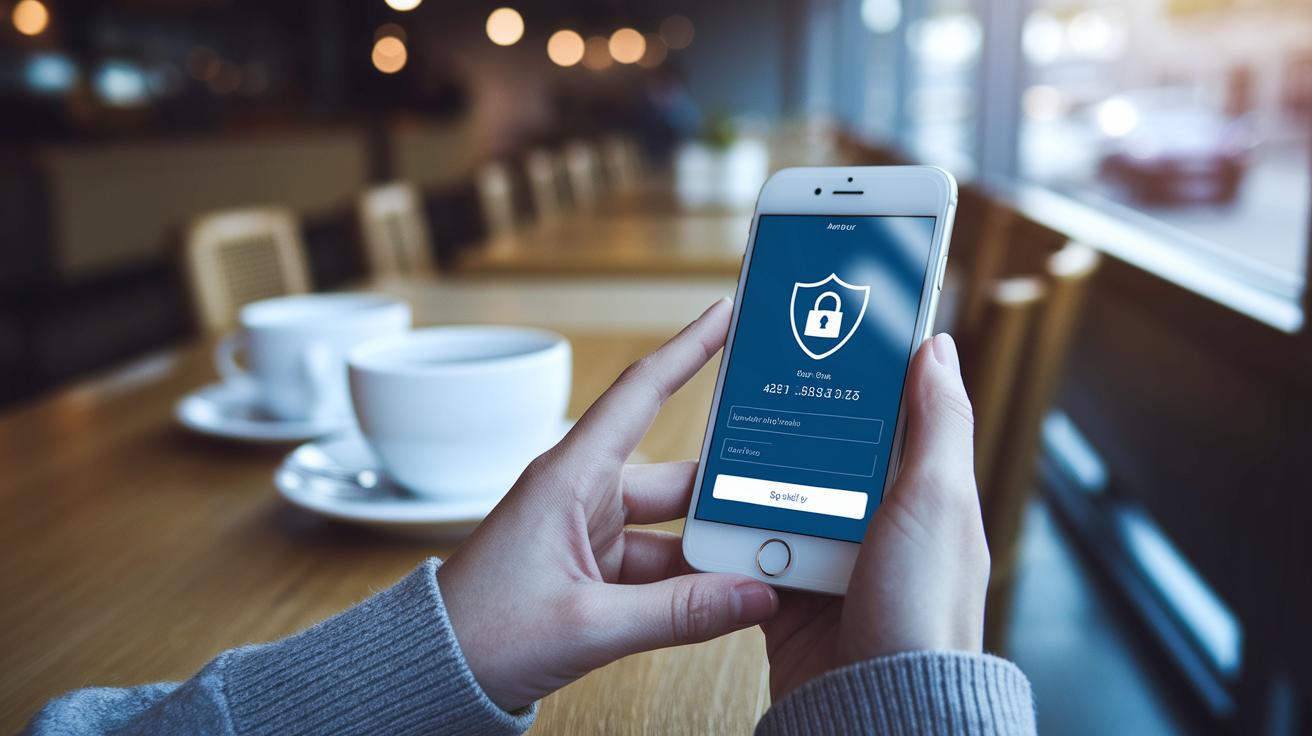
Have you ever thought that managing money could actually be safe and fun? With the O2 Digital Banking platform, you can take charge of your finances right from your computer, tablet, or phone. Picture checking your balance like you’re admiring a clear, sunny morning. The platform is built with strong security (these are smart ways to keep your information safe) so that every transaction feels smooth and reassuring. Plus, it gives you real-time updates and makes paying bills easy, sort of like having a trusted friend right there with you.
Digital banking app delights with secure ease
The O2 Digital Banking platform brings a fresh, modern way to handle your money. You can check your account on a computer, tablet, or phone, and everything is designed to be simple and secure. It feels almost fun to use, like a trusted friend helping you move money safely with each click.
This app puts you in control with a personal dashboard that shows real-time balance updates and even pays your bills automatically. Think of it like managing your daily tasks with ease, almost like checking the weather on a pleasant morning. Plus, it lets you deposit checks with your phone and connect to other accounts through reliable partners like Mastercard Finicity (a service that helps link different bank accounts).
| Feature | Benefit |
|---|---|
| Card Management controls | Keep track of your cards easily |
| eStatements delivery | Get your statements quickly without paper |
| Real-time P2P and business transfers | Send money to friends or for work instantly |
| Automated expense tracking | Watch your spending without extra work |
| Biometric login and 2FA | Log in securely with your fingerprint or code |
| Dashboard aggregation | See all your accounts in one place |
With strong fraud prevention tools and real-time alerts, your money feels extra safe. The app even includes personal finance helpers like Geezeo and smart transaction sorting to make tracking your spending a breeze. It’s a user-friendly way to keep your finances both simple and secure, making every day a little easier when it comes to managing your money.
Navigating the Mobile Interface of a Digital Banking App
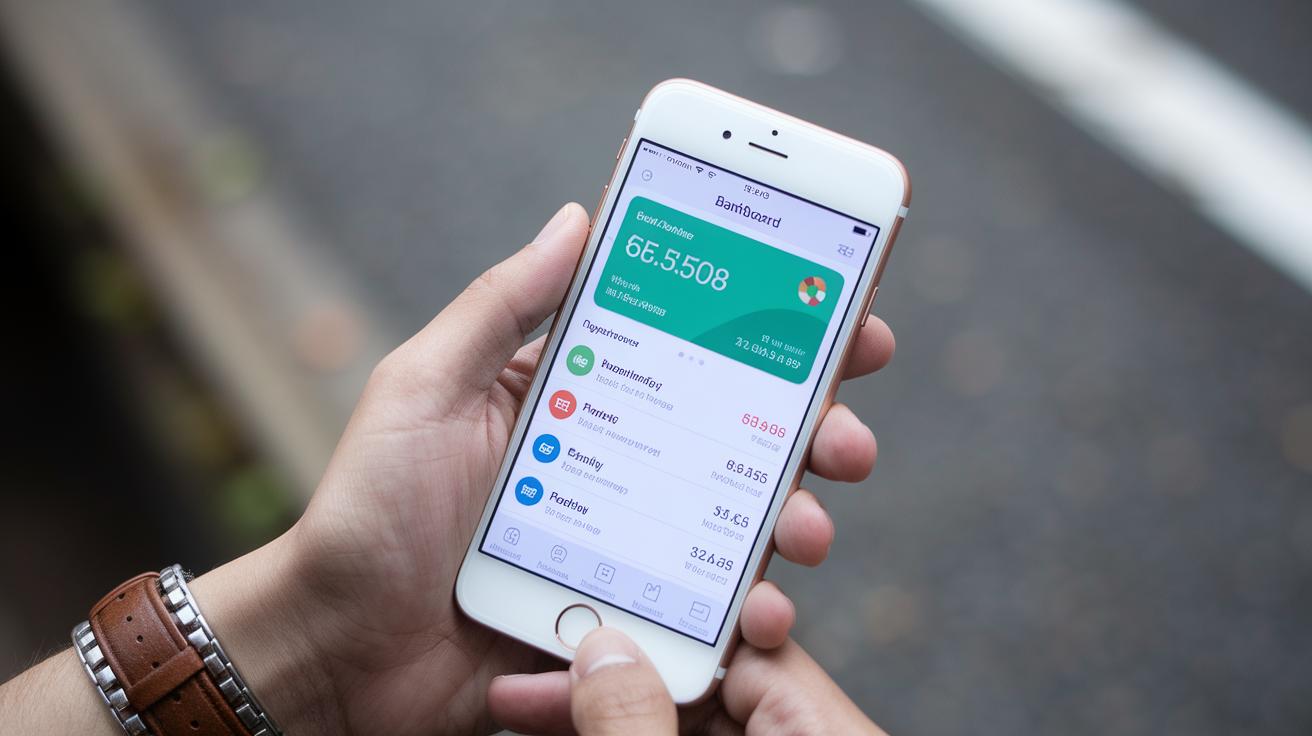
The O2 digital banking app brings you a friendly, modern way to manage your money right from your phone. Imagine logging in and immediately seeing your current balance on a simple, clean dashboard that feels a bit like catching up with an old friend. Menus are easy to reach and use, so every feature feels just one tap away. There’s even a step-by-step guide built into both the mobile and desktop versions, helping you get comfortable as quickly as a quick chat over coffee.
This app isn’t just for your phone, it works like magic across your devices. Your data syncs smoothly through the cloud (a system that stores your info on the internet so you can access it anywhere) so that whether you’re on a smartphone, tablet, or computer, everything feels familiar. The sign-in process is secure and simple thanks to a password combined with dual-factor verification (a little extra check to confirm it’s really you). If you want to learn more about safe login tips, head over to the Account Security Best Practices page available online.
| Feature | Benefit |
|---|---|
| Unified Dashboard | See your balance updates in real time |
| Easy-Access Menus | Navigates you through transactions effortlessly |
| Embedded Tutorials | Helps guide you through each step |
| Seamless Cloud Syncing | Enjoy smooth access across all your devices |
Everything in the app is crafted with your everyday needs in mind, ensuring not only an easy-to-use experience but also a secure one. It’s like having a reliable friend by your side, ready to help you manage your finances with confidence every day.
Managing Accounts and Transactions in a Digital Banking App
Your banking app comes with a simple dashboard that shows you everything at a glance, like your account summaries, live balance updates, and easy fund transfers inside the app. Now, you also get a QR deposit option that lets you add money with just one scan, plus an AI tool (which sorts and labels your spending automatically) that turns your regular transactions into helpful insights.
Security Measures in a Digital Banking App
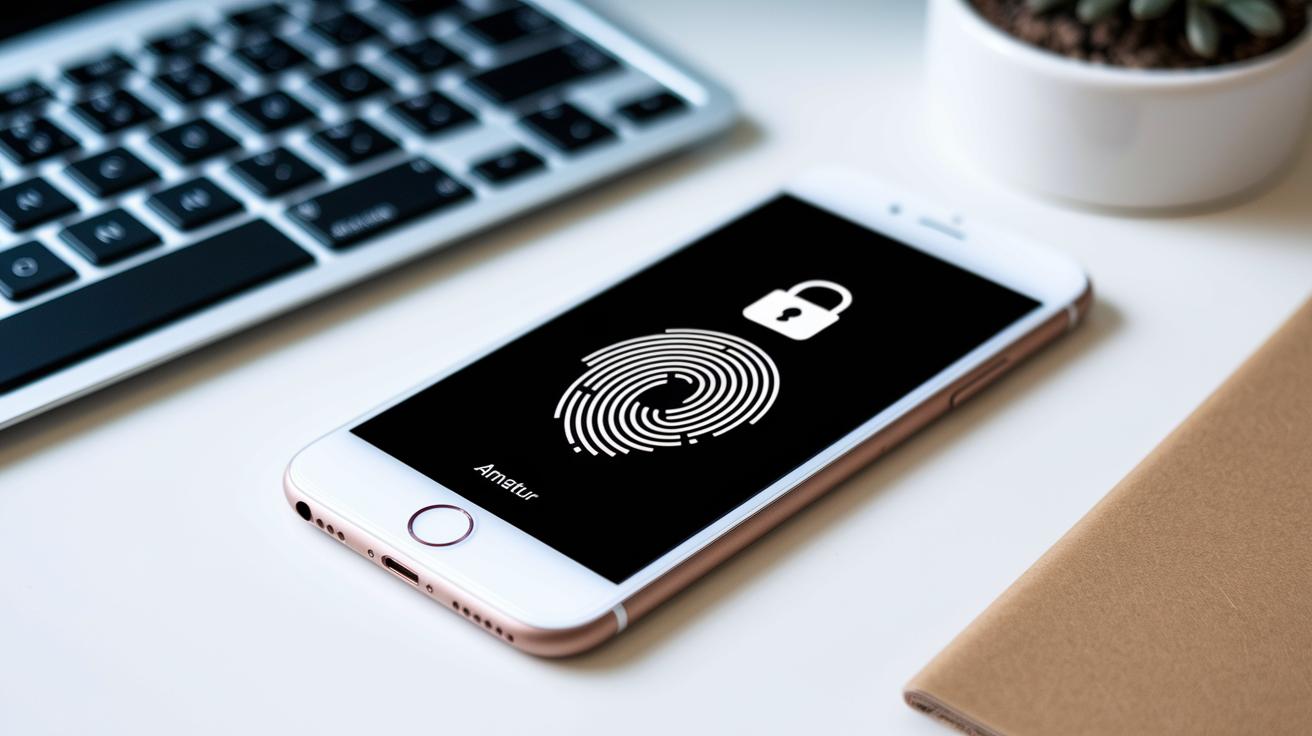
Imagine transferring money with the peace of mind that every tap and click is guarded by strong, smart security. Our digital banking app uses dual-factor verification (an extra step to confirm it’s really you) along with secure sign-in steps. So, when you log in, it quickly checks with your phone or fingerprint to be sure it’s you. Biometric security adds a friendly, personal touch while keeping things super safe.
Behind the scenes, digital finance takes security very seriously. The app uses data encryption (a way to scramble your info so outsiders can’t read it) to protect every bit of data moving between your device and the bank. Old methods that left data exposed have been replaced by encrypted APIs, which guard you against common threats like screen-scraping. Automated security checks and real-time alerts help spot any unusual activity right away.
On top of that, there are extra safeguards in place. Fraud prevention systems check your transactions for any oddities, and account takeover protection, using NuDetect (a tool that watches for risky behavior), adds another layer of defense. Plus, deposit error detection helps catch any issues as soon as they pop up, so your funds and personal details stay safe every step of the way.
Digital Banking App vs Traditional Banking: Key Comparisons
Digital banking apps are a fresh way to handle your money. They let you check your account anytime with an immediate electronic statement, no more waiting for the mail. Sending funds locally or internationally is done in moments, and you always know what fees you’re paying because everything is clear right from the start. Plus, features like digital wallets mean you can pay without even stepping into a branch, saving you time on busy days.
Traditional banking, on the other hand, often means more visits to a branch with set business hours and sometimes hidden fees that can sneak up on you. Even though face-to-face service might feel friendly, it just doesn’t match the speed or clear fee plans you get online. Digital apps also bring in modern protection methods like blockchain security (a technique to keep your data safe) and steady fraud monitoring to keep your money secure around the clock.
| Feature | Digital Banking App | Traditional Banking |
|---|---|---|
| Accessibility | 24/7 online access via multiple devices | Limited by branch hours |
| Fees | Transparent or subscription-based pricing | Hidden charges may apply |
| Speed | Instant transfers and updates | Slower processing times |
| Security | Blockchain-enabled safeguards | Conventional security measures |
| Support | Online help and quick troubleshooting | In-person assistance during limited hours |
Digital banking apps give you a straight-forward, efficient way to manage your money that fits into your daily routine, making the old-school bank seem like yesterday’s news.
Setting Up and Onboarding in a Digital Banking App
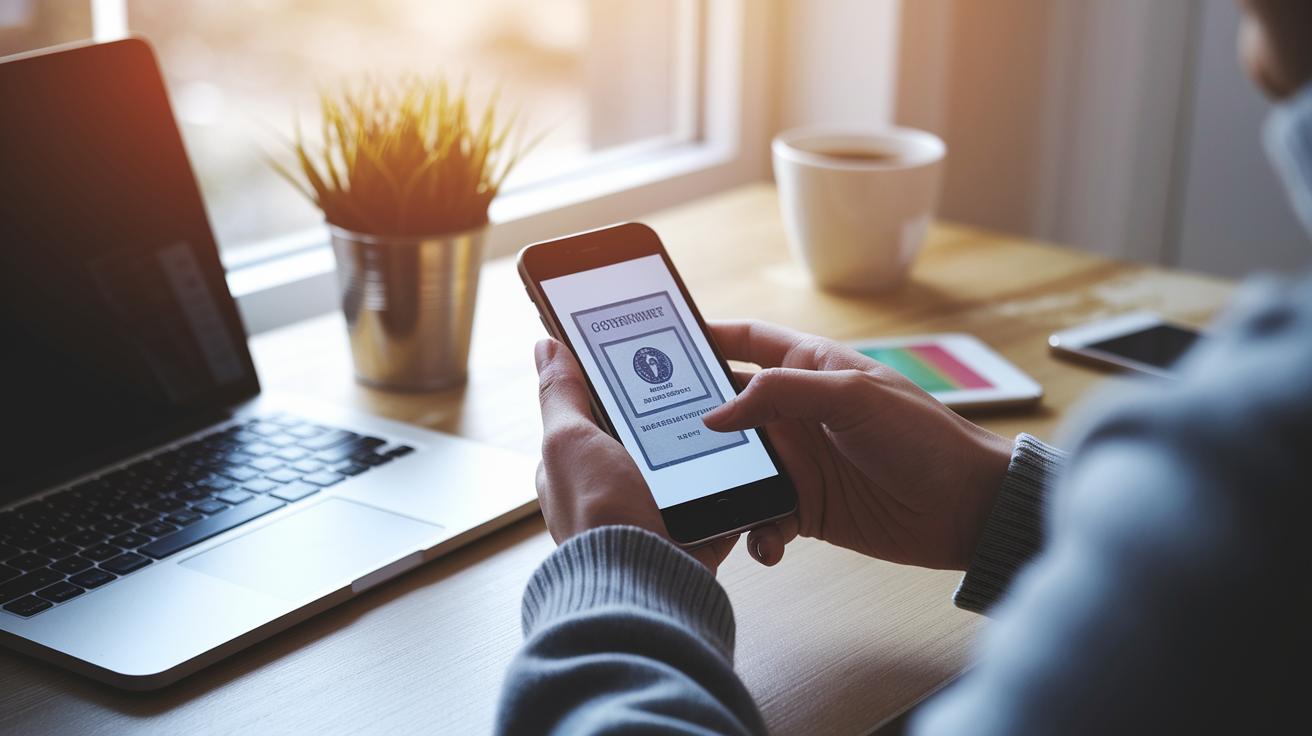
Account Creation and ID Verification
First, upload your documents to prove your identity. The app lets you scan and send your ID so you can quickly complete your KYC (Know Your Customer, a check to confirm who you are), much like snapping a quick selfie. You might see a prompt saying, "Place your government-issued ID within the frame, and click 'Verify'" to get you started. Once your documents are approved, your credentials are set up right away, so you can start managing your money without a long wait.
Security Setup and Personalized Dashboard
After your identity check, the app walks you through a simple secure sign-in setup. You can use your fingerprint or face (that’s biometric security, which uses your unique traits) and add SMS or app-based dual-factor verification (an extra safety step using a code sent to your phone). It’s as easy as checking your phone’s weather update. Next, you can personalize your dashboard by choosing the widgets you need, like real-time balance updates or alert notifications. A handy tutorial might say, "Drag and drop your favorite features to create a dashboard that works the way you do," so you can see all your accounts in one clear view.
Cloud-hosted identity checks and secure tokenization (a method that keeps your data safe) make every step, from uploading your documents to setting up your home screen, feel secure and perfectly fit into your daily routine.
Reviews and Performance of Leading Digital Banking Apps
The O2 Digital Banking app really shines based on reviews from a wide range of users. Millions from over 1,000 institutions have shared their positive experiences, praising its sturdy 4.5+ app-store rating and easy-to-navigate design. One user happily noted, "Switched from my old bank app and never looked back, everything works like a charm!" Comments like these not only lift the ratings but also help the team spot areas for quick improvements.
Every month, new updates keep the app feeling fresh and packed with the newest financial technology. The app gathers thoughts from users through an easy feedback system so that handy features like detailed transaction views and smart budget tracking keep getting better. People enjoy sending money globally without a hitch and appreciate the precise built-in expense tracker. And with mobile check capture, making deposits anywhere is both quick and secure.
These upbeat reviews and solid performance stats show the app’s true commitment to quality. Regular updates and active user engagement help it evolve continually to meet today’s financial management needs while keeping every operation smooth and secure.
Final Words
In the action, our discussion showcased a digital banking app’s core features, secure systems, and smooth mobile experience that makes online account management feel effortless. With real-time balance updates, reliable funds transfer, and robust safeguards like biometric verification and two-factor confirmation, every step empowers users to control their money confidently. We compared these benefits with traditional banking and highlighted simple setup procedures designed to boost trust and ease. Secure and friendly financial growth is on the horizon with a digital banking app.
FAQ
Are digital banking apps free?
The question about free digital banking apps means many offer zero-cost downloads, enabling users to manage finances, check balances, and securely make payments without monthly fees or hidden charges.
How do I download a digital banking app for Android?
The inquiry into downloading a digital banking app for Android shows these apps are accessible via trusted app stores or direct apk links, offering quick installation, secure sign-in, and easy account management.
What is digital mobile banking?
The explanation of digital mobile banking defines it as using a smartphone app to view your account, make transfers, and monitor real-time balances, all securely managed anytime from your device.
Which digital banking app is considered the best free option?
The question on the best free digital banking app highlights options with user-friendly design, robust security, real-time updates, personalized dashboards, and useful tools that simplify everyday money management.
What is included in a list of mobile banking apps?
The inquiry into a list of mobile banking apps typically features trusted options that compare features like secure login, real-time transfers, automated bill settlement, and intuitive expense tracking tools.
How safe is digital banking?
The question about digital banking safety shows that strong protection measures, including biometric access and two-factor authentication, along with fraud prevention and real-time alerts, work together to safeguard your financial data.
More from Politics
 Trends
Insurance Financial Trends: Bold Market Optimism
 Digital
Open Banking And Digital Banking Convergence: Bright Promise
 Risk
Correlation Breakdown And Portfolio Risk: Robust Outlook
 Tech