
Security
Grindery Recovery: Secure Your Crypto in a Few Taps
Quick, practical guide to Grindery’s one‑tap recovery: why it matters, how to set it up, protecting tokens like $G1/$GX, best practices for backups and guardians, and troubleshooting tips.
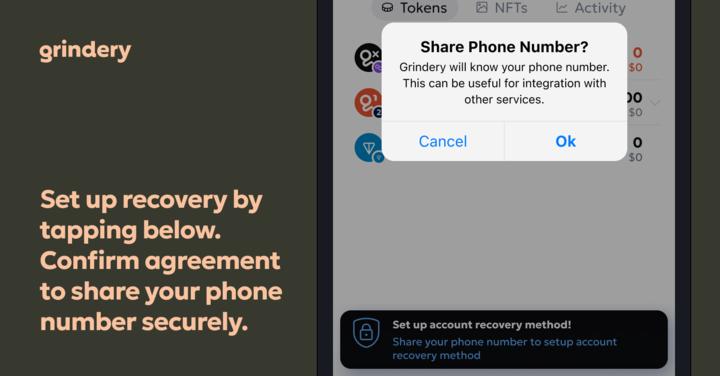
Grindery’s recovery feature turns a multi-step nightmare into a few taps. Whether you lose your phone, forget a password, or switch devices, a properly set recovery flow gives you a fast, secure path back to your assets. The setup is intentionally simple: pick trusted guardians, store a recovery code, or connect a hardware wallet — you’ll complete the flow inside the Grindery interface in under a minute. This guide walks through why recovery matters, how to set it up, practical tips, protecting tokens like $G1 and $GX, and troubleshooting common problems so you never lose access.
Set Up Grindery Recovery in Minutes
Grindery’s recovery feature turns a multi-step nightmare into a few taps. Whether you lose your phone, forget a password, or switch devices, a properly set recovery flow gives you a fast, secure path back to your assets. The setup is intentionally simple: pick trusted guardians, store a recovery code, or connect a hardware wallet , you’ll complete the flow inside the Grindery interface in under a minute. This section introduces the core idea: recovery isn’t a complicated backup, it’s a quick, user-friendly insurance policy for your crypto life.
Why Recovery Matters for Your Crypto

Crypto is different: possession equals control, and losing keys can mean permanent loss. Recovery mechanisms reduce single-point-of-failure risk , stolen phones, corrupted backups, or simple human error. Grindery’s recovery tools help bridge Web2 convenience and Web3 ownership: they let you delegate recovery to a set of trusted guardians or fall back to backup codes, while keeping you in control. Choose recovery not because you expect to fail, but because it minimizes consequences when something goes wrong. It’s equally relevant for beginners and advanced users managing multisig or multiple wallets.
Step-by-Step: Recovery Setup in a Few Taps
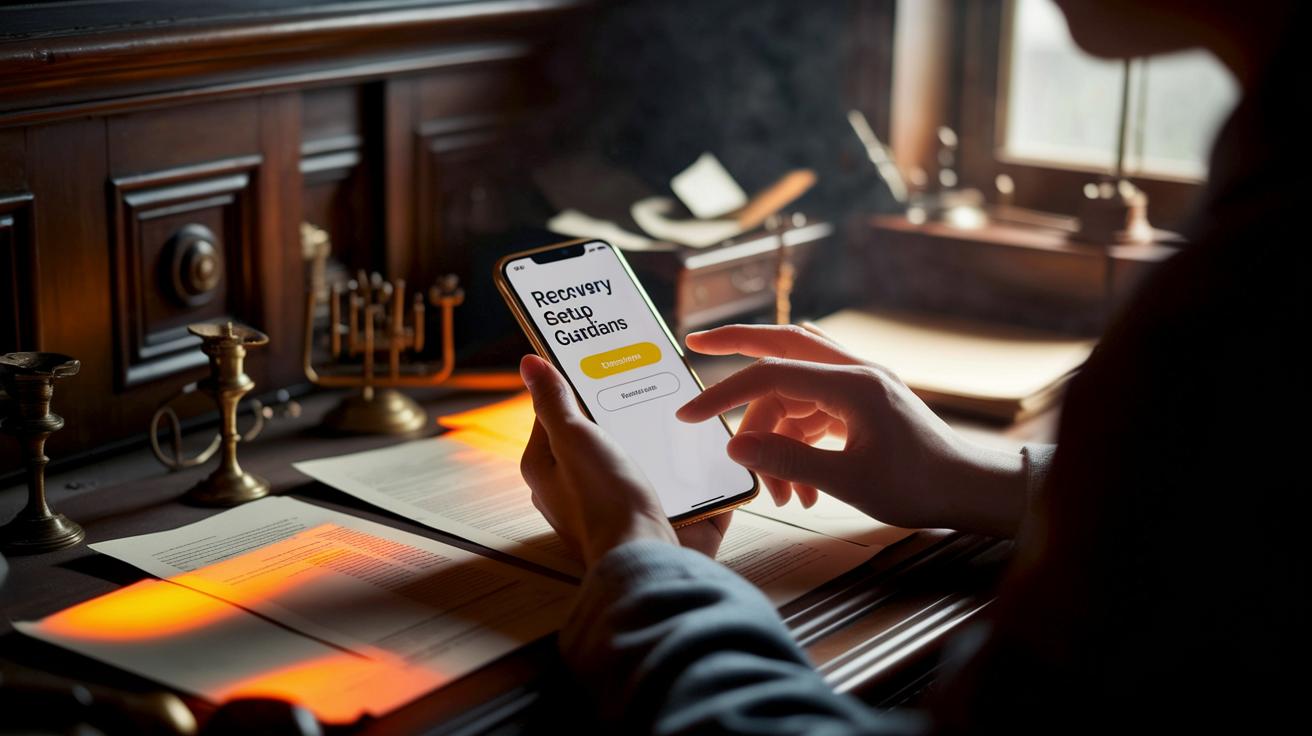
Setting up recovery in Grindery is built around clear choices: method, guardians, and backup. Start by opening the Grindery app or dashboard, then navigate to 'Security' or 'Recovery.' Choose a recovery method , paired email/phone, trusted contacts (guardians), hardware wallet fallback, or time-locked contracts for advanced users. Add one or more guardians, set the minimum approvals required, and confirm recovery codes. Grindery will prompt you to save a recovery phrase or code offline; do that now. Finally, test the flow using the in-app test function if available. The whole process typically takes under a minute.
Protect Tokens (including $G1 and $GX)
That brief thread reply from @NarendraSi49714 , '1 <> 2 <> 5 <> $G1 <> $GX' , is a reminder that users often juggle multiple accounts and tokens. If you hold assets like $G1 or $GX, treat them as high-priority when configuring recovery: set higher approval thresholds or add extra guardians for wallets holding these tokens. For high-value balances consider hardware wallet fallback or multisig arrangements where recovery requires multiple trusted parties. Also label wallets clearly in your dashboard so you don’t confuse which address holds which token. Recovery should be proportional to asset risk: more value means stronger safeguards.
Best Practices: Backups, Guardians, and Hardware
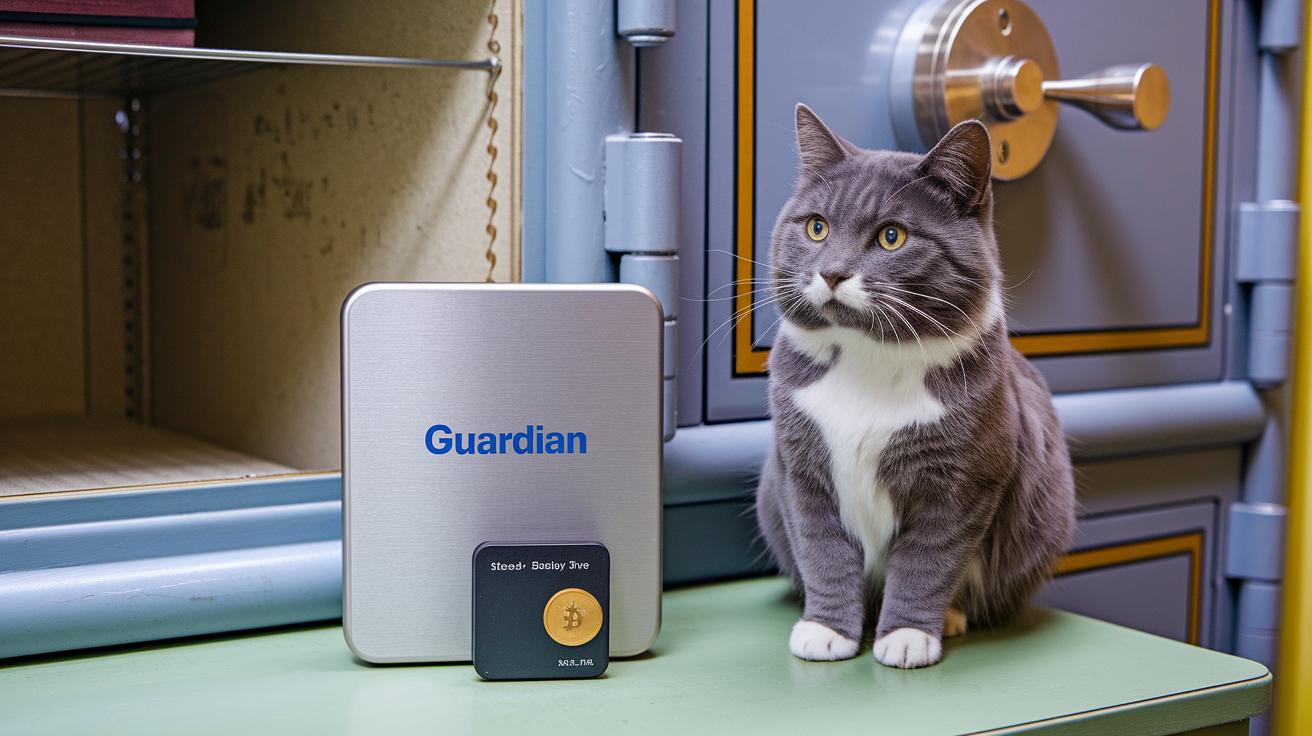
Treat recovery like insurance: take practical steps so it actually works when needed. Never store seed phrases or backup codes in cloud-synced notes or photos. Use a steel backup for long-term storage, and keep at least two geographically separated copies in secure locations. Use hardware wallets for the most valuable holdings and enable multisig where appropriate. Rotate and review guardians periodically , relationships change. Use a password manager to store recovery codes securely, and enable 2FA on linked accounts. Finally, perform a dry-run of the recovery process at least once to confirm that your guardians and backups behave as expected.
Troubleshooting & When to Reach Out
Even with precautions, recovery can hit snags. If a guardian is unresponsive, reach out directly and have backup guardians ready. If recovery codes won’t redeem, check for typos, whitespace, or the right network/wallet; sometimes recovery phrases use different wordlists or versions. For lost hardware wallets, use the seed stored offline to restore into a new device. If you're locked out despite all attempts, collect proof of ownership , transaction history, linked accounts, or signed messages , before contacting Grindery support. Never share your seed or full recovery details over support channels; legitimate teams will never ask for them.
More from Politics
 Trends
Insurance Financial Trends: Bold Market Optimism
 Digital
Open Banking And Digital Banking Convergence: Bright Promise
 Risk
Correlation Breakdown And Portfolio Risk: Robust Outlook
 Tech