
Security
Secure Login Practices For Online Accounts: Stay Safe
Step beyond basic passwords; explore secure login practices for online accounts as layered defenses confront risks at a suspenseful twist.
Ever wondered if your password is really safe? Even if it seems strong, new risks can make it less secure than you think.
Using the same login details for many sites may leave your digital world wide open. It’s like using one key for every door in your house, risky and not very smart.
This post walks you through simple steps to shore up your online security. Think of it as adding an extra lock; for example, multi-factor verification (where you confirm your identity using a code from your phone) and switching up your login details.
A few small changes can make a big difference. It’s all about taking that extra moment to protect your data and keep your accounts safe from sneaky cyber attacks.
How to ensure secure login for every online account
These days, just having a hard-to-guess password isn’t enough. New digital dangers mean that even a clever password can be unraveled quickly. Imagine this: advanced graphics cards can break your strongest password in under a minute. That fact alone shows why relying only on your password leaves you open to risk.
When you use the same login details for different sites, one breach can put all your accounts in danger. Hackers use tricks like fake phone calls, photo and video imitations, and organized cyber groups to steal login information. The risk is very real, which is why it’s important to use more than just a password to protect yourself.
Here are some clear steps to boost your online security:
- Use a different username and password for every site. This stops one leak from affecting everything.
- Turn on multi-factor authentication (MFA). This means you have to verify your identity with your phone or a biometric scan (a quick way to check who you are) in addition to entering your password.
- Keep an eye on your account activity so you can spot anything unusual as soon as it happens.
- Think about using a password manager. These tools help you create and save strong, unique passwords without any stress.
The goal is to add extra layers of protection, like continuous monitoring and MFA, rather than depending only on your password. Combining these methods gives your online accounts a solid defense against cyber threats. Keep checking for the latest tips on account safety, and make sure your login practices are always up to date to protect your digital world.
Building robust password credentials for secure login
Hive Systems shows that the length and mix of characters in your password really matters. Imagine a password with 15 to 20 characters that uses letters, numbers, and symbols. This blend makes it much harder for hackers using brute-force or fast AI methods to break in. In fact, one study found that simple passwords could be hacked in minutes, while those with a varied mix held out significantly longer.
A strong password avoids obvious choices like "password123." Instead, create a unique string for every site. Think of it like giving each door in your home its own key, if one key is lost, the others still keep your home safe.
It also helps to add extra layers of security using salting and hashing. Salting means mixing random data into your password before it’s saved, and hashing changes it into a unique code that can’t be easily reversed (like turning your secret into a one-way puzzle). These extra steps jumble up your stored password info, making it very tough for attackers to use ready-made cheats to guess your password.
Using unique passwords along with smart techniques like salting and hashing builds a strong safety net around your account. This approach can really cut down the risk of falling prey to automated or brute-force attacks.
Integrating multi-factor verification methods for enhanced login security
Multi-factor authentication (MFA) goes beyond just a password by using more than one way to check your identity. It might ask for something you know (like your password) and something you have (like your phone) or even something unique to you, like a fingerprint or face scan (using your face or fingerprint to confirm who you are). This extra step makes it really tough for someone to sneak into your account.
A simple method is using one-time passcodes (OTP) sent by SMS or email. Each time you log in, a new code appears, just picture getting a text that says, "Your code is 472839." Even if someone gets your password, they still need that special code to get in, adding another layer of defense.
You can also use an authenticator app or hardware token that produces time-limited codes. Think of these codes like fresh numbers that pop up every 30 seconds on your device, quickly making any stolen code useless. Plus, there’s push-notification MFA that sends a quick prompt to your registered device so you can simply tap to verify the login. This makes it easier than texting back a code and less dependent on SMS.
When you mix these methods together, you build a strong, layered shield around your account. Each factor acts as another barrier, making it a lot harder for cyber threats to break in.
Employing encrypted sign-in systems and certificate-based authentication for secure logins
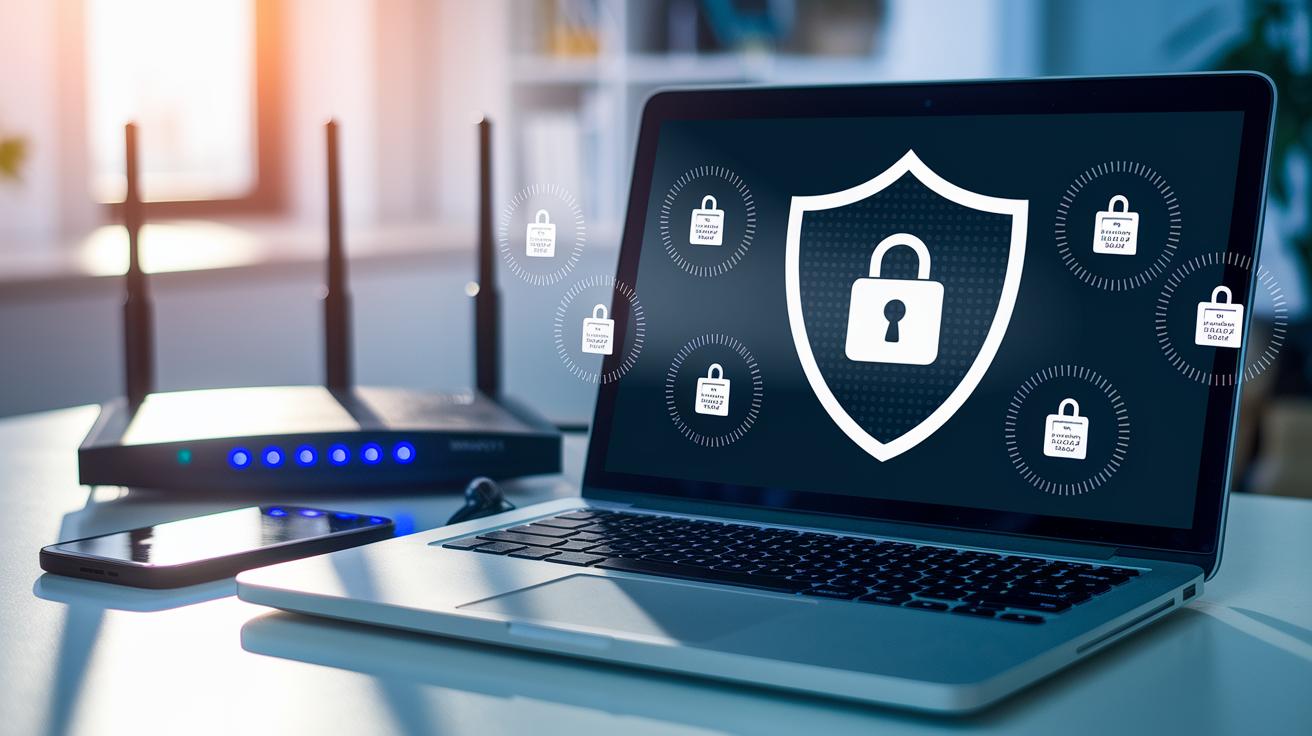
SSL/TLS session security is like a secret safe for your login info. It scrambles the data you send and receive, so even if someone taps into your connection, your details remain hidden, picture a smooth, invisible tunnel guarding every bit of your data.
Certificate-based authentication works like a digital badge that proves your device and network are genuine. Imagine these certificates as quick checks that confirm, “Yes, this really is your device.” This is especially useful for tools like enterprise VPNs or when machines are connecting to each other, stopping unwanted attempts before they even begin.
The OAuth framework lets you use one set of credentials to sign in across multiple websites. By creating a trusted link between sites sharing your token, it makes logging in feel neat and simple. In a similar way, the SAML protocol helps trusted partners share your identity details securely without passing your password around too much. That way, your security risks are kept to a bare minimum.
When you combine encrypted login systems with these digital certificate checks, your data stays safe while connecting different services becomes a breeze. Think of it as having several strong locks on your digital door, a clear, reliable method for checking identities and managing sessions with modern, token-based access.
Monitoring login attempts and enforcing access controls to maintain secure logins
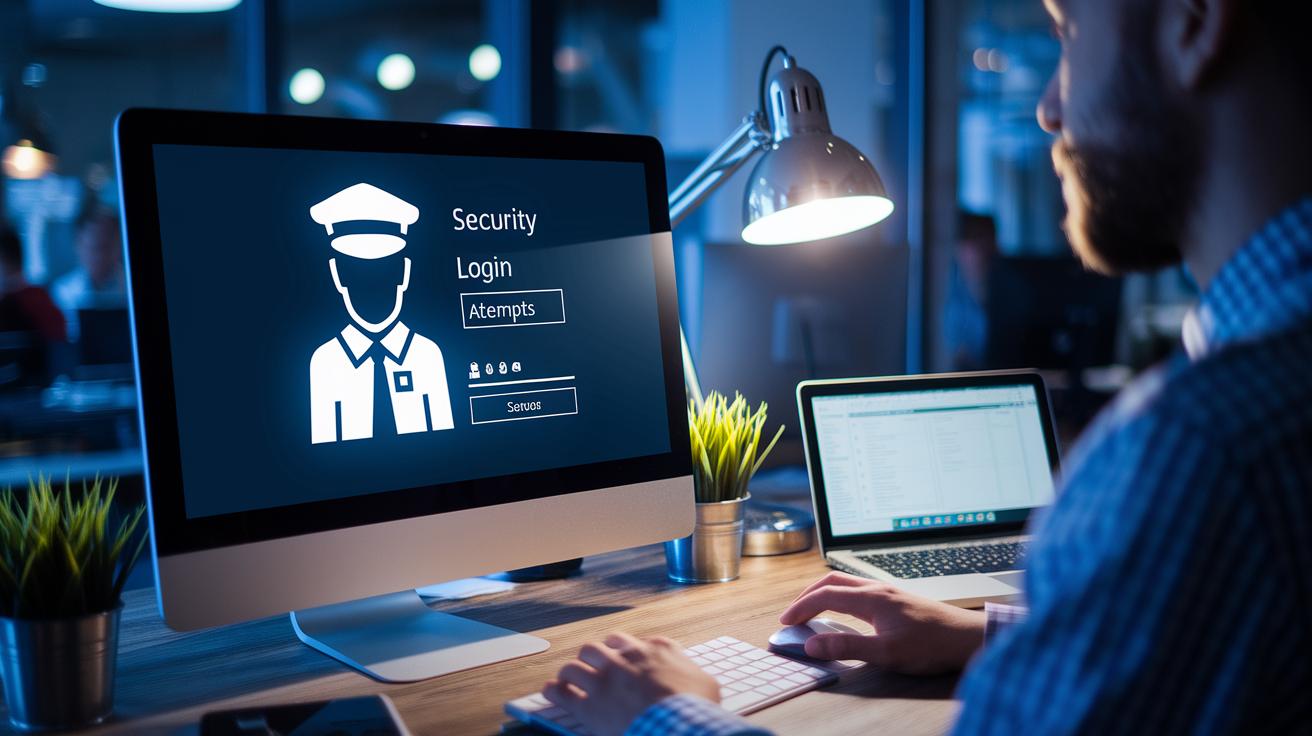
We keep an eye on failed login attempts to catch any issues early, just like having a friendly guard who steps in when too many wrong keys are tried. When too many login attempts fail, the system locks your account for a short time, which helps block brute-force attacks and keeps your account safe.
We also check things like your usual login spot, the device you’re using, and your normal login habits. If something feels off, say you’re logging in from a new location, the system might ask for a little extra information before letting you in. It’s a simple way to add extra safety without complicating your day.
We don’t stop there. To prevent session hijacking (when someone tries to take over your session), we end inactive sessions quickly and refresh security tokens regularly. This makes it really hard for anyone to sneak in during an active session.
- Automated account lockout policies limit the number of login attempts.
- Regular audits help us spot unusual activity fast.
- Adaptive access verification steps up security when login behavior changes.
All these steps work together to keep your online account activity secure, so you can feel confident every time you log in.
Securing account recovery processes without compromising login security
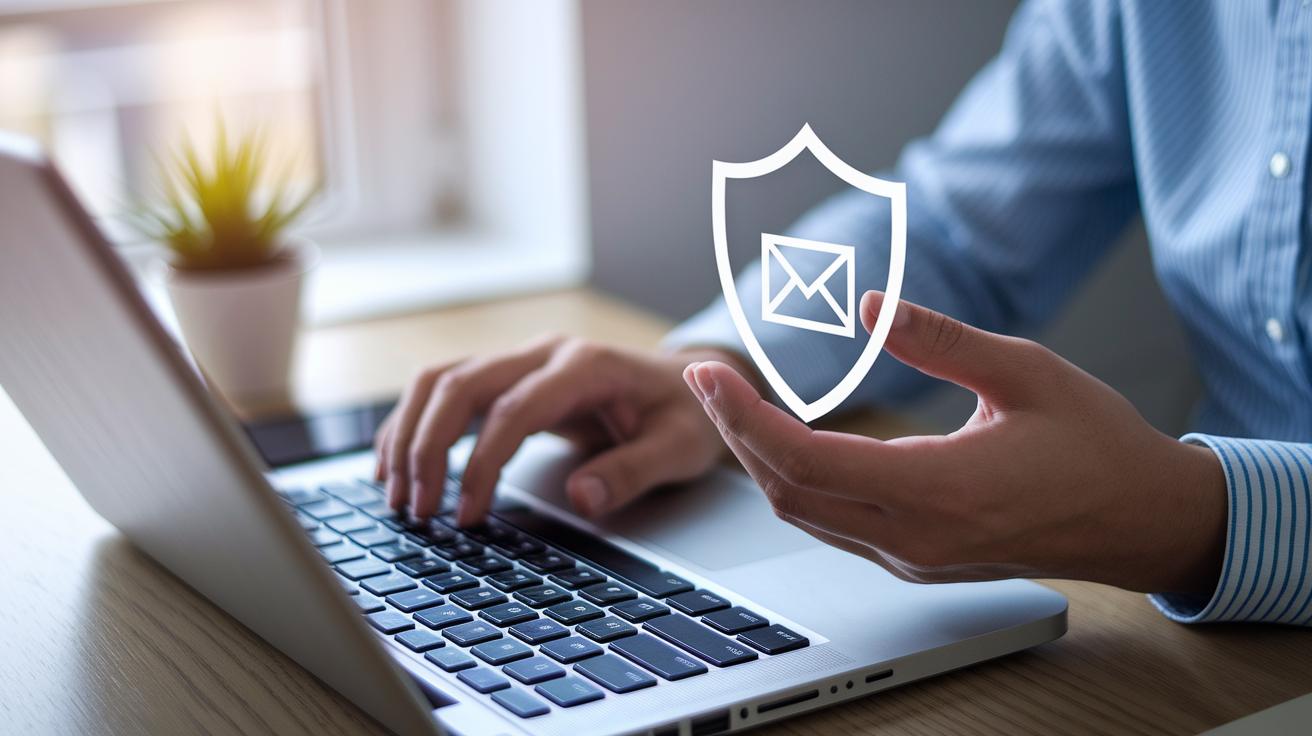
It’s really important to protect the way you get back into your account, just like you keep your main login safe. Start by guarding your recovery email with multi-factor authentication (that’s a way of proving your identity using more than just a password) and a strong, unique password. Think of it as adding an extra lock to your most prized safe.
When picking security questions, choose wisely. Instead of simple questions like “What is your favorite color?”, try asking something more personal that isn’t easy for others to guess, like “What was the name of your childhood pet?” This way, only you can know the answer.
It also helps to set up an emergency backup. Creating backup codes or using another trusted device for account recovery means you have a safe way back in, even if your main login details are compromised.
Every step, from keeping your recovery email secure to choosing strong security questions and having emergency methods ready, makes your account more secure without weakening your normal login process.
| Tip | Why It Matters |
|---|---|
| Secure recovery email with MFA | Adds an extra way to verify your identity |
| Choose unpredictable answers for security questions | Makes it tougher for others to guess your recovery details |
| Use backup codes or secondary devices | Ensures you can still access your account if primary details are compromised |
Final Words
In the action, the article walked through building strong digital barriers. It highlighted why complex passwords alone just aren’t enough and explained alternative measures like multi-factor checks and encrypted sessions to keep your accounts secure. You learned how monitoring login attempts and a secure recovery process can make a real difference too. Each step, from understanding the risks to implementing secure protocols, adds a layer to your overall safety. Stay confident and protect your digital space with secure login practices for online accounts.
FAQ
Which is the best practice for securing online accounts?
What is the most secure login method?
What are the 5 C’s in security?
Which practice helps in protecting your accounts online?
How to protect personal information online?
How to stay safe online?
How to stay safe online for kids?
How does Google Safe Browsing protect users?
More from Politics
 Trends
Insurance Financial Trends: Bold Market Optimism
 Digital
Open Banking And Digital Banking Convergence: Bright Promise
 Risk
Correlation Breakdown And Portfolio Risk: Robust Outlook
 Tech