
Security
3 Security Pin: Smart & Safe Choice
Discover how a security pin elevates everyday safety by delivering smart protection across systems, until one unexpected twist challenges the norm.
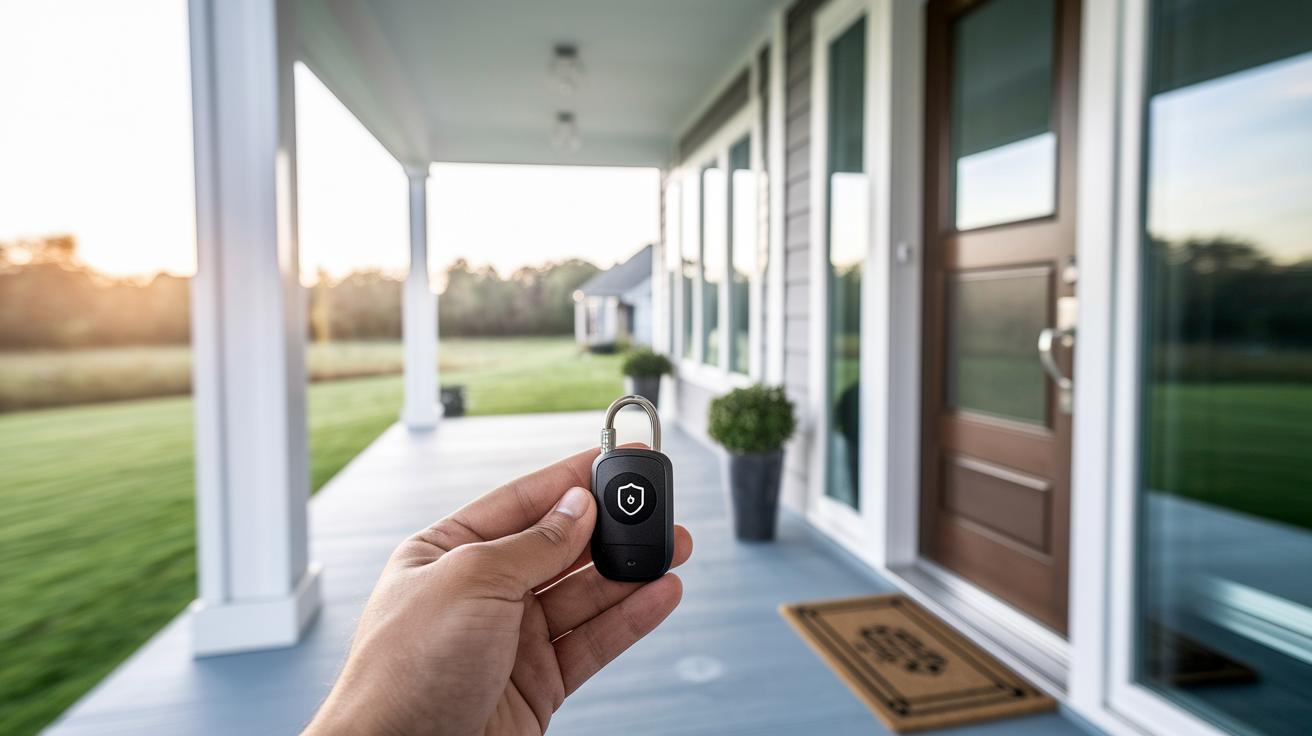
Ever thought about how your everyday PIN might be your best shield against digital dangers?
A PIN is more than just a few numbers; it’s a smart and simple way to keep your private details secure. When you use it, your code stays right on your device (like a tiny vault) so you don’t have to worry about weak or forgotten passwords.
Imagine clicking into your account and knowing that those few digits are working hard to protect you. It’s a little group of numbers that can make a big difference in keeping your personal data safe.
Security PIN Fundamentals and Authentication Functions
A security PIN is a short group of numbers, usually 4 to 8 digits, that helps confirm your identity when you log into systems, whether online or in person. For example, a 4-digit PIN offers 10,000 choices, while a 6-digit one gives you 1,000,000 options. This little code is a quick and trusted way to keep your account safe.
PINs are often stored right on your device, like on TPM chips inside laptops, which means they aren’t kept in one big online database that could get hacked. This local storage makes it fast to use and even lets you work offline. It’s kind of like having a favorite number you always remember, a simple secret that still offers strong protection.
For instance:
| Application | How It’s Used |
|---|---|
| ATM machines | Quick cash withdrawals need you to enter your PIN. |
| Mobile devices | Unlock your phone when facial or fingerprint checks aren’t working. |
| Windows Hello | Log in quickly to your laptop with a PIN. |
| E-commerce apps | Enjoy a smooth, easy login experience. |
| Government portals | Secure access to your personal data using a PIN. |
| Banking transactions | Many card readers ask for a PIN to verify your identity. |
Unlike regular passwords, which might sit in vulnerable databases, PINs are quickly entered and stored in isolated hardware. Even if an 8-digit password might seem like it offers trillions of combinations, its safety can be weakened if stored insecurely. Some systems even let you switch to using biometrics (that means using your fingerprint or face) when you can’t type in your PIN, balancing simplicity and security nicely.
Security PIN Types Across Digital and Physical Use Cases
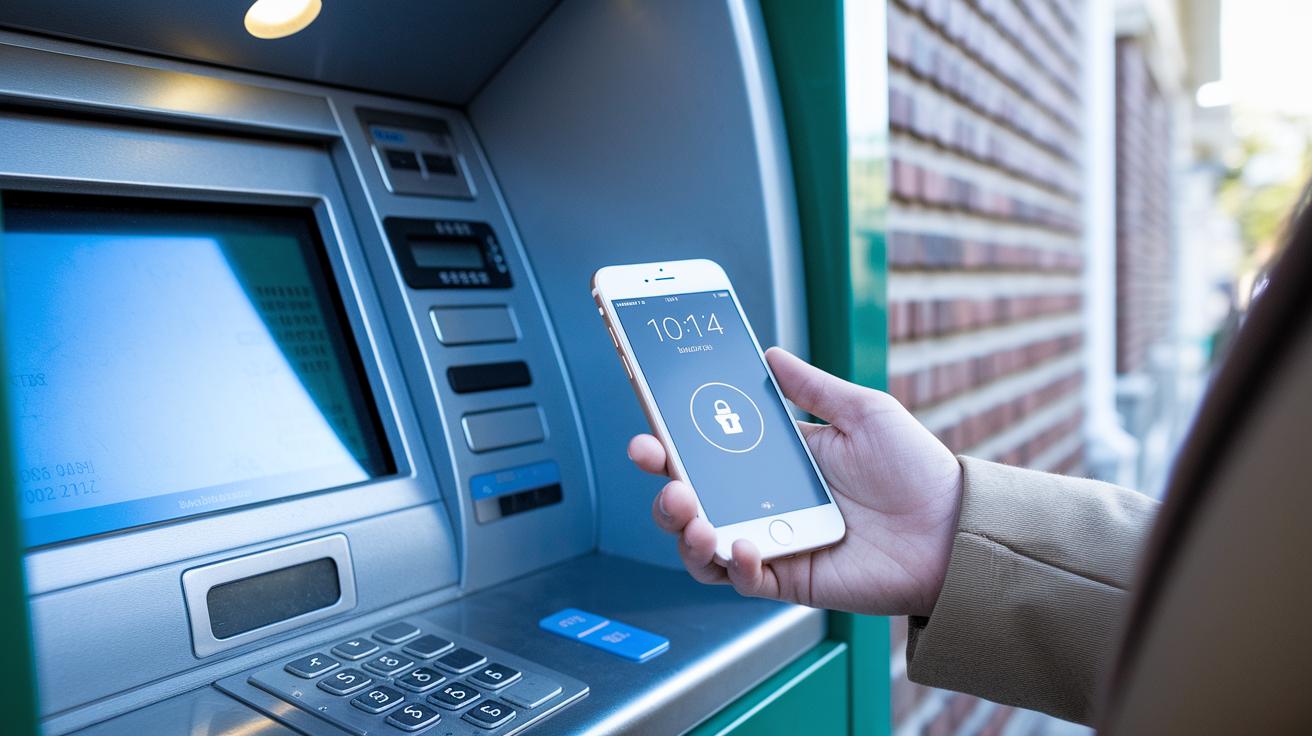
ATM and Banking PIN
These are simple 4-digit codes you use at ATMs or on banking apps to get cash or check your account. They keep things secure without being complicated. Many banks even let you use the same PIN on mobile apps so you can feel safe and familiar with your everyday banking.
Device Unlock PIN
Your phone or tablet often needs a PIN to unlock it if fingerprint or facial scans aren’t working. This code is stored right on your device and sometimes protected by special chips (like TPM chips, which help keep your information safe). It’s all about making sure you can get into your device quickly, even when you’re not using extra technology.
Temporary and Authorization PIN
Sometimes you get a PIN that only works for a short time. These temporary codes help you in quick recovery processes or to approve tasks that need an extra check. They vanish after a few minutes, which keeps things extra secure. Authorization PINs work in a similar way, making sure that important transactions happen safely.
Government and IRS IP PIN
Some PINs are made just for government tasks, like those used for checking Social Security information or filing taxes online. For example, the IRS gives a special six-digit PIN each year to keep tax records safe. Each type of PIN here is designed to fit a specific need, making both digital and in-person tasks safer and easier to manage.
Security PIN Design Principles and Best Practices
When you set up your PIN, try not to use numbers that follow an easy order. Avoid obvious choices like 1234 or 0000 and skip dates that matter to you, like birthdays or anniversaries. For example, using your house number is like leaving your door unlocked, anyone could guess it. Pick numbers that seem random but still stick in your mind.
Keep your PIN safe by storing it with strong encryption (a way to scramble data so it stays private) or by using special hardware modules instead of plain text. When you type in your PIN, make sure the screen hides it like a password field so nobody nearby can peek. This keeps your number private and secure.
To stop hackers from trying too many guesses, set up a limit on failed attempts, say, lock the system after five tries. This makes it really hard for someone to break in by guessing. And for extra protection, combine your PIN with another form of check like a fingerprint or facial scan. This two-step check means your PIN is just one part of a strong overall security plan.
Setting Up and Managing Security PINs on Key Platforms

Setting up a new PIN is easier than you might think when you follow a few simple steps on each device. For example, on your iOS or Android smartphone, just head over to Settings, tap Security, and then Screen Lock to choose a 4- to 6-digit PIN. It’s like picking a secret code that’s easy for you to remember but tricky for others to guess. On a Windows PC, you can find the Windows Hello PIN option by going to Settings, then Accounts, and finally Sign-in Options. This PIN gets stored safely in a TPM chip (basically a little chip that keeps your important data secure from online threats). And if you’re handling tax-related tasks, the IRS lets you set up an IP PIN online, where once your identity is verified, you receive a unique six-digit pin each year to help protect your tax information.
| Platform | Setup Steps | PIN Length |
|---|---|---|
| iOS/Android | Settings > Security > Screen Lock | 4-6 digits |
| Windows Hello | Settings > Accounts > Sign-in Options > Windows Hello PIN | 4-6 digits |
| IRS IP PIN | IRS online portal with identity verification | 6 digits |
Backing up your PIN settings is a really smart move. For extra safety, you might store recovery codes offline or pick a biometric backup like a fingerprint or face scan (that’s a neat way to add another layer of protection). Refreshing your PIN and those backup details regularly works kind of like keeping a spare key hidden in a safe spot, so you’re never locked out. This simple, thoughtful approach keeps your digital security solid and stress-free.
Advanced Security PIN Technology and System Integration
Device-bound passkeys are a fresh move away from the old password ways. Your PIN now lives in a secure corner of your device, a tiny safe room that only your device can access. Imagine your PIN acting like a personal guard, keeping unwanted visitors out. This setup means that even if someone tries to break in, your code stays safely tucked away.
Hardware treasures like TPM and Secure Enclave work like a mini vault just for your PIN. Even if the rest of the system gets messy, your PIN never sits out in the open. It's a bit like putting your secret in a safe deposit box where only you know the combination.
Mixing PIN entry with fingerprint or face scans makes security even tougher. You end up needing both something you know (your PIN) and something that makes you, you (like your fingerprint or face). Think of it as adding an extra lock on your door, making sure that only you can get in.
Troubleshooting Security PIN Issues and Maintenance Tips
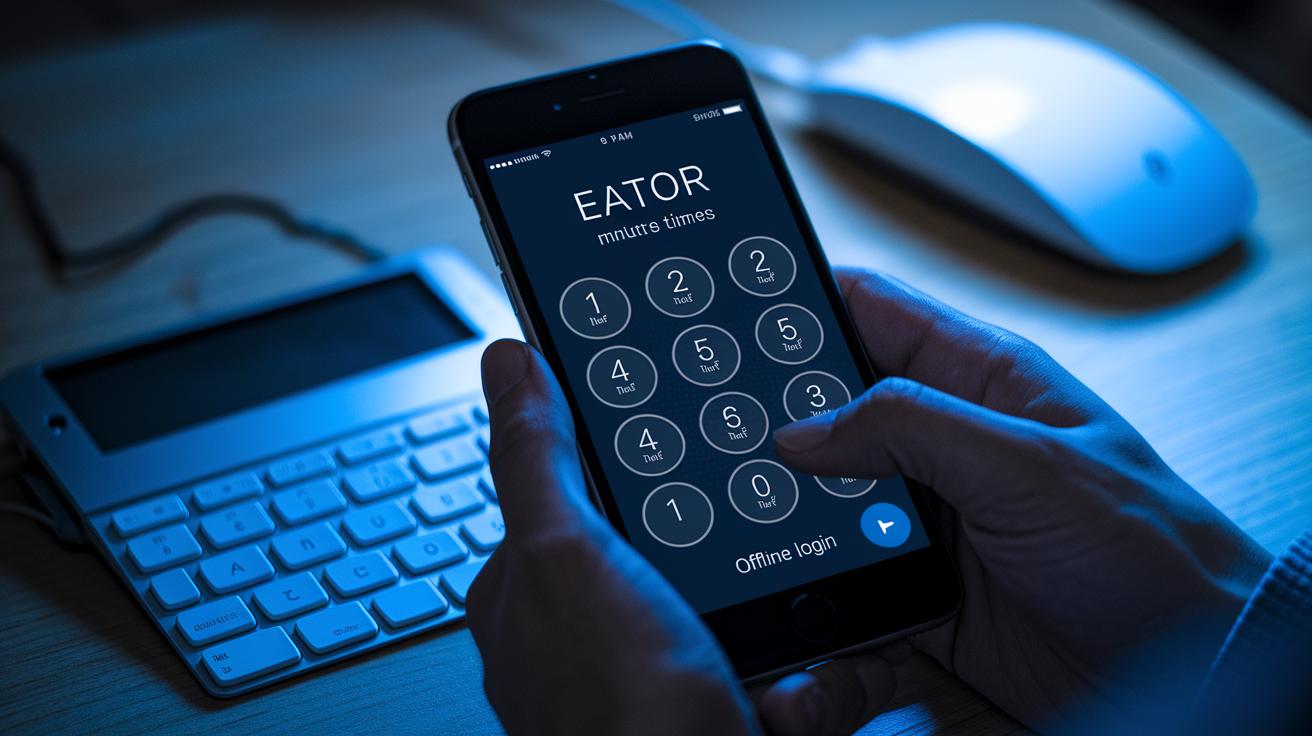
Sometimes you might get locked out of your PIN after entering the wrong code five times. This often happens if you mistype it or try to guess too many times. If you forget your PIN, you can reset it using a one-time recovery code, or you might need to get help from support. Temporary PINs for quick fixes usually expire in just 5 to 15 minutes, kind of like an ice cube that melts if you don’t use it soon.
When an error message pops up, it won’t show the correct numbers. That way, no one can use those hints to break in. If you’re in a spot with bad connectivity, offline PIN entry might work using saved login info, so you can still get in without an internet connection.
It helps to set a regular schedule to check your PIN system. Look at your failed attempts now and then, and change your PIN, just like you’d update the combination on a lock. Keeping an eye on these details and doing routine updates is like taking care of your finances, it makes sure your secure access stays smooth and reliable.
Emerging Trends and Future Developments in Security PIN Systems
PIN systems are evolving fast to catch up with modern technology. Imagine your PIN working seamlessly on all your devices, like a smooth, secure handshake that doesn’t slow you down.
Nowadays, financial and healthcare regulators are pushing for one clear set of rules for handling PINs. This means that whether you're checking your bank account or reviewing your health records, your PIN is treated with the same careful standards. Plus, smart tools (think of them as clever computer programs that spot unusual patterns) are now on the case, watching for signs of fraud or unauthorized use.
On top of that, the latest hardware security modules let you update or set up your PIN from far away, safely and without any fuss. And as more smart appliances and IoT devices become part of our daily routines, using PINs will become even more common, making everyday tasks both clever and protected.
Final Words
In the action, this article breaks down security pin fundamentals and their role in authenticating your identity across many everyday systems. It covers everything from basic definitions and storage methods to setup guides and troubleshooting tips that keep your access secure.
Every section offers actionable tips and simple comparisons so you can feel confident in your money management setup. Remember, a well-chosen security pin goes a long way in keeping your digital transactions safe and your financial assets sound. Stay secure and keep moving forward.
FAQ
What is a security PIN?
A security PIN is a short numeric code used to confirm your identity in various systems. It acts as a quick key to protect your account access and is stored locally on your device.
What does a 4-digit security PIN mean?
A 4-digit security PIN is a numeric code made of four numbers, offering 10,000 unique combinations. It’s widely used in devices like ATMs and smartphones for fast, secure identification.
How do I find my security PIN on my phone?
Finding your security PIN on your phone usually means exploring your device’s Settings under Security. Often, your account provider includes guidance on where to locate or recover your PIN information.
How do I reset my security PIN if needed?
Resetting your security PIN typically involves following your device or service’s recovery steps, which may ask you to verify your identity before you create a new PIN for continued protection.
Why might my security PIN be locked?
Your security PIN might lock after several incorrect attempts, a measure designed to stop unauthorized access. In such cases, you may need to use a recovery option or reset your PIN.
What is a security PIN for clothes?
A security PIN for clothes can refer to a numeric code or tag used in retail environments for anti-theft measures. It functions differently from digital PINs but still helps verify product security.
How can I remove the security PIN from my Android phone?
Removing the security PIN on an Android phone usually involves going to Settings > Security > Screen Lock to change your unlock option. Keep in mind that switching methods may affect device protection.
More from Politics
 Trends
Insurance Financial Trends: Bold Market Optimism
 Digital
Open Banking And Digital Banking Convergence: Bright Promise
 Risk
Correlation Breakdown And Portfolio Risk: Robust Outlook
 Tech