


Do you ever wonder if using an easy password might leave your account exposed? Most people don’t know that a weak password can let sneaky hackers take a peek at your private info. A study in 2020 showed that about one in every three security breaches happened because of simple mistakes. Even one small slip-up can let cyber invaders break in.
In this post, we’ll walk you through three common weak points that might put your online safety at risk and share easy ways to protect your data. Stay with us and learn how to keep your account safe and your mind at ease.
How Common Account Security Vulnerabilities Impact User Accounts
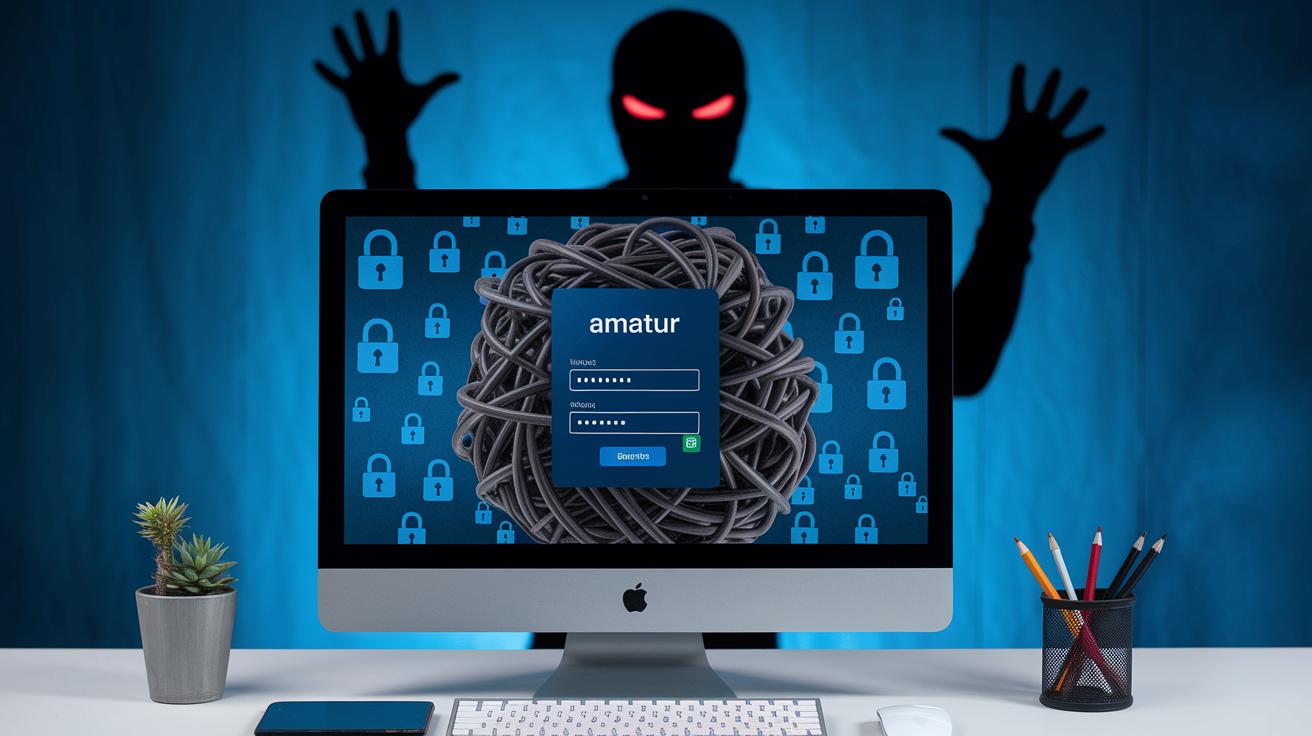
Account security weaknesses happen when the ways we check who is logging in aren’t strong enough. When someone finds a way around these checks, they can easily break in and see parts of your profile that should stay private. Even a tiny mistake by a user can leave a door open for someone to sneak in and mess with your digital identity. In fact, a 2020 study noted that about 31% of data breaches happened because people weren’t careful enough, which shows just how important it is to lock down every step of the login process.
These weak spots give cyber crooks a chance to grab sensitive details stored in your account. When security is a bit too relaxed, hackers can use tricks to take over accounts, affecting not just one person but potentially a whole bunch of users. To help you understand the risks, here are the six most common vulnerabilities:
- Weak passwords that attackers can guess or crack.
- Credential stuffing, where old username and password pairs from other breaches are reused to break in.
- Phishing scams that fool you into handing over your login info.
- Brute-force attacks that try every possible password until one works.
- Session hijacking, where a hacker steals a session token (a temporary key for your login) to gain access.
- Insecure authentication methods that expose data during the login process.
It’s clear that using strong passwords, staying informed, and keeping security measures updated are key steps in protecting your account. Next time you log in, remember that a little extra care can make a big difference in keeping your information safe.
Weak Passwords and Password Reuse Vulnerabilities

Brute Force and Password Complexity
Using simple passwords like "123456" or "password" is like leaving your door wide open. Imagine a thief trying every key on a big keyring until one fits. In one test, hackers cracked a weak password in just seconds, risking sensitive data. To help, systems slow down repeated login attempts (that’s called rate limiting), lock accounts after too many tries, and sometimes use CAPTCHA tests (simple challenges to tell a human from a bot). By setting strong password rules, you put a tougher lock on your digital door.
Credential Stuffing and Password Reuse
Reusing the same password across different accounts is a big risk. It’s like using one key for every door at home – if one key is stolen, all your doors are at risk. When one site gets breached, hackers take those leaked details to try and break into your other accounts, a trick known as credential stuffing. The smart move is to have a unique password for every account. A good password manager (a secure tool that stores and creates strong passwords) acts like a personal vault, keeping each of your keys safe and secure.
Phishing and Social Engineering Exploits in Account Security

Phishing scams work by hiding in plain sight. They send you emails or messages that look like they’re from your bank or another trusted source, urging you to update your account details. It’s like getting a message that seems so real you might forget to pause and think, only it’s designed to steal your login information.
Social engineering plays with our natural reaction to urgency. Hackers might send you a text or leave a voicemail sounding super urgent, asking you to verify your details. For example, you might get a text saying your account is locked, nudging you to click on a link that leads to a fake login page. These tricks hit even harder when multi-factor authentication (an extra security step to confirm your identity) isn’t set up right.
Key phishing methods include:
- Spear phishing – messages crafted just for you.
- Clone phishing – a real email copied with harmful content swapped in.
- Smishing – phishing done through SMS text messages.
- Vishing – using phone calls to gather sensitive details.
- Business-email compromise – fake messages that mimic trusted contacts.
Session Management Flaws and Hijacking Tactics

Session hijacking occurs when attackers get hold of session IDs, which lets them act like the real, logged-in user. Imagine the satisfying click of a secure login suddenly becoming an open door for intruders. Sometimes systems slip up by using “remember me” cookies that hang around too long, missing proper session timeouts, or allowing multiple sessions at the same time. These mistakes give attackers more chances to steal or misuse session tokens.
Using secure channels like HTTPS (a safe way to send data) helps keep session tokens under lock. And when you use random, hard-to-guess session tokens, it’s like making sure your key is unique. Setting strict timeout limits means sessions won't be active for too long. So if someone does manage to grab a token, they only have a very short time to use it. Plus, limiting users to one active session at a time is a bit like having just one key for your house, making it much harder for someone to sneak in.
| Vulnerability | Description | Recommended Control |
|---|---|---|
| Persistent Cookies | These let attackers reuse session tokens that stay active too long. | Limit how long cookies persist and make users log in again. |
| Misconfigured Session Timeouts | Sessions may remain active longer than they should. | Establish strict timeout settings to end sessions quickly. |
| Multiple Concurrent Sessions | Allowing more than one session at a time can increase risks. | Restrict users to a single active session. |
3 common account security vulnerabilities Boost Safety

Old-fashioned login methods like HTTP Basic Authentication don't hide your passwords. They send your login info in plain text, which means hackers can easily grab it. When data isn’t properly scrambled, your details pass along like an open invitation to trouble.
Imagine mailing a letter without sealing the envelope. That's what sending data over HTTP feels like, exposed and vulnerable. Without strong protection, every connection is like leaving your door unlocked. Plus, when developers leave API endpoints unguarded, attackers can slip right in and take actions they shouldn’t.
A smart fix is switching to modern tools like OAuth 2.0 (a secure way to handle logins) or OpenID Connect (a safe method to verify users). Using TLS encryption (a method that scrambles data to keep it safe) for all transmissions turns plain text into unreadable codes for outsiders. Also, adding API gateways and checking each endpoint carefully really cuts down on unwanted access.
Think of these upgrades as putting sturdy locks and security cameras on your home. They hide your keys from prying eyes and alert you if someone tries to break in. Even if one part isn’t the strongest, these measures make your account a lot safer.
Implementation Gaps: Misconfigurations and Patch Management Risks
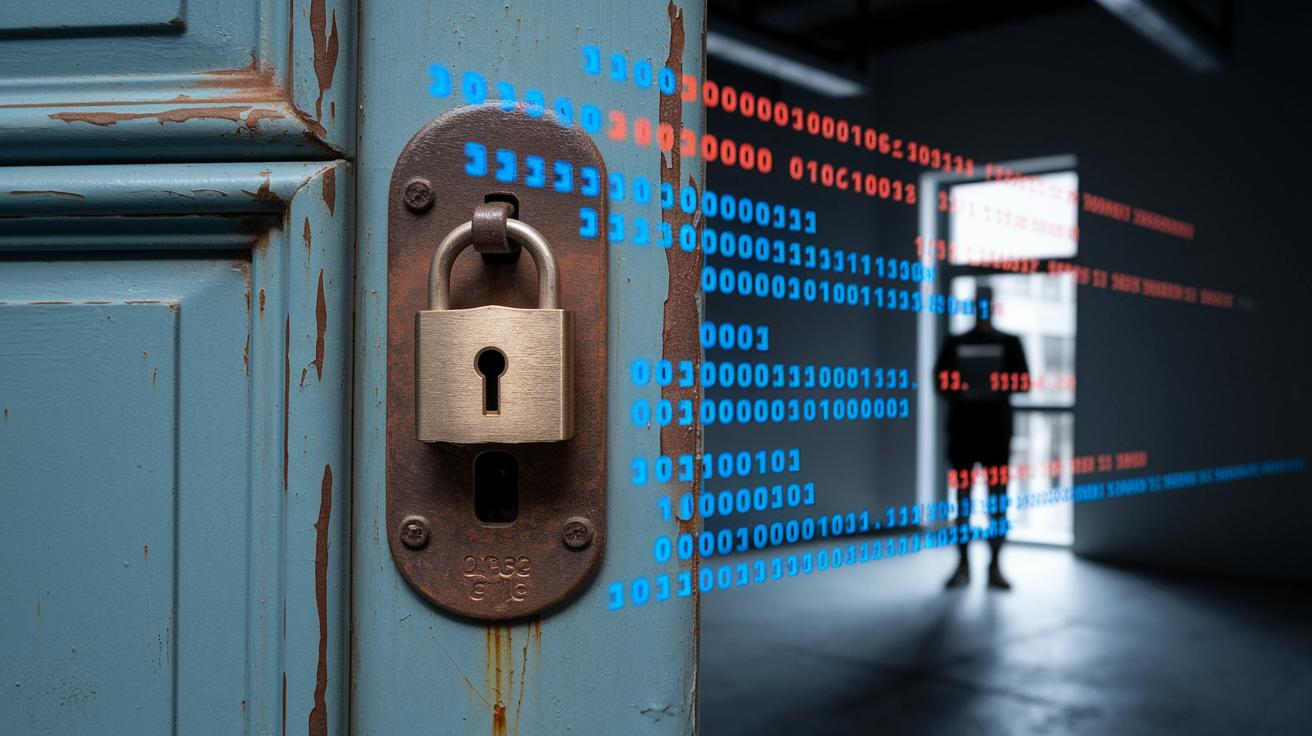
Not updating your software is like keeping a rusty lock on your front door. Outdated libraries and unpatched systems create easy entry points for attackers, much like a door left unlocked. Misconfigured settings can add to the problem by giving too many people the chance to see or change sensitive information. When someone leaves or moves to a different role, their access should be removed right away. Otherwise, it's a bit like forgetting to collect a spare key from someone who no longer needs it.
Regular updates are key to keeping systems safe. Many companies miss these important patches, leaving gaps in account security. To help prevent this, stick to a standard configuration and set clear limits on who gets access to what. This way, even if a small error happens, the overall risk is much smaller.
Here are some simple steps to reduce these risks:
- Patch often: Keep your software current to fix known issues.
- Follow a configuration baseline: Using standard settings helps avoid mistakes.
- Use least-privilege policies: Only give people the access they strictly need.
- Keep audit-friendly processes: Routine checks help catch weaknesses before they become big problems.
These practices not only boost your security but also help your business meet important standards. Want to learn more about patch cycles and smart configuration? Check out "account security" (https://teafinance.com?p=165).
Final Words
In the action, we explored the intricacies behind common account security vulnerabilities. We examined how weak passwords spark brute-force and credential-stuffing attacks, and the ways phishing emails trick users into sharing sensitive data. We also highlighted the risks from session hijacking, insecure protocols, and outdated patches.
Each step shows how moving to robust security measures can make a measurable difference. Staying informed and proactive can turn risks into confidence in your financial security.
FAQ
Frequently Asked Questions
What are some common account security vulnerabilities and exposures?
The common account security vulnerabilities include weak passwords, credential stuffing, phishing attacks, brute-force intrusions, session hijacking, and insecure authentication protocols, all of which can let attackers get into user accounts.
What are authentication vulnerabilities and how are they exploited?
Authentication vulnerabilities are flaws in verifying user identities that allow attackers to bypass login steps and seize sensitive data, often through tactics like guessing weak passwords or exploiting reused credentials.
Can you give me an example of common security vulnerabilities?
An example is using simple, easily guessed passwords such as “123456,” which can lead to brute-force attacks or credential stuffing, making it easier for cybercriminals to gain unauthorized account access.
What’s the difference between CVE and CVSS?
CVE (Common Vulnerabilities and Exposures) is a catalog of known security flaws, while CVSS (Common Vulnerability Scoring System) assigns severity ratings to these vulnerabilities.
What are the four types of vulnerability?
Four types include weak password practices, social engineering tactics like phishing, session management errors such as hijacking, and protocol issues from insecure authentication methods.
What is the most common CVE?
While no single CVE stands out universally, vulnerabilities resulting from weak password policies and improper authentication controls are among the most frequently exploited in practice.