
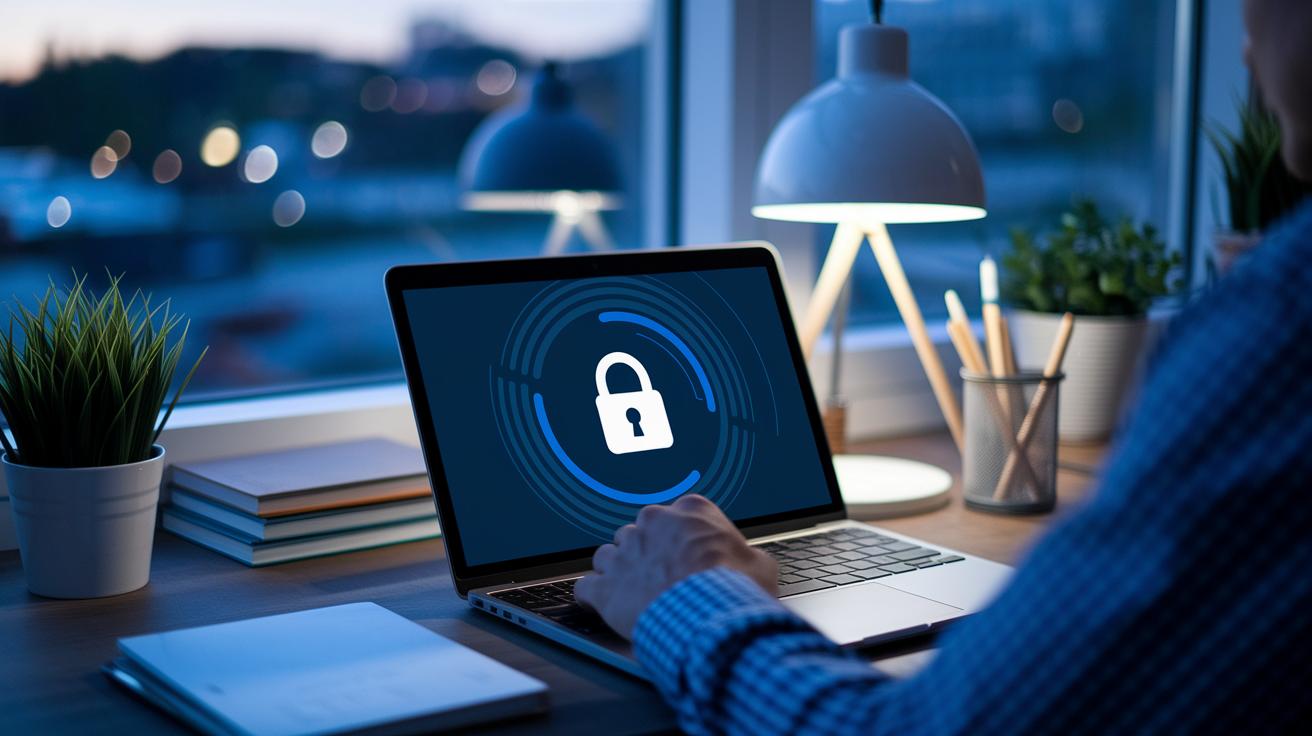

Have you ever forgotten to lock your front door? A weak password or missing safety check can let hackers slip into your business data. Think of your small business as a shop where every door is double-locked. Every extra lock makes a big difference in keeping the bad guys away.
In this post, we're sharing easy, smart steps that create a strong shield around your digital world. We cover ways to protect each employee, login, and device so your important information stays safe.
Essential Account Security Strategies for Small Businesses

One weak login can jeopardize everything. It’s much like leaving your front door unlocked, making it easy for unwanted visitors to wander in and access your private data. Even a tiny slip like using a simple, guessable password can give cyber intruders an opening.
Layered security is your best friend here. Think of it as adding several locks to your door, each extra lock makes it tougher for someone to break in. This means protecting different areas like logins, networks, and devices so they all work together to keep your business safe.
- Strong password policies
- Multi-factor login solutions (this means a second step, like confirming your identity with your smartphone or a hardware key)
- Role-specific access controls
- Defensive practices for every device used
- Regular employee risk awareness training
By putting these strategies into your everyday routine, you build a sturdy shield against cyber threats. When you enforce solid password rules paired with extra verification, you drastically cut down the chance of unauthorized access. Giving each team member access tailored to their job helps ensure that sensitive data stays in the right hands. Securing every device that connects to your systems further blocks potential breaches, and regular training keeps your staff alert to scams. In short, these simple yet effective measures make your business a much tougher target for attackers.
Robust Authentication and Password Management for Business Accounts

These days, relying on just a password simply isn’t enough. Think of a weak or reused password like leaving your safe wide open. Even if you use it every day, a basic password lets someone sneak in more easily than you might expect.
A static string of characters is risky because common passwords are often predictable. Recent security breaches prove that adding an extra step, such as confirming your identity with your smartphone or a hardware token (a physical device that keeps your access secure), reduces unauthorized logins by over 90%. That means boosting your password strategy with multi-factor login options and secure credential management is essential.
Here are some practical steps to keep your business accounts safe:
- Enforce a minimum length and require a mix of letters, numbers, and symbols.
- Use an enterprise password manager (a trusted tool that stores and generates strong passwords securely; see https://teafinance.com?p=862) to handle your credentials.
- Stop reusing the same password and avoid common dictionary words.
- Set up two-factor or multi-factor verification (an extra step, like a code on your phone, to confirm your identity; check https://teafinance.com?p=813) to greatly cut down on breach risks.
- Use time-based one-time codes or hardware tokens that expire quickly so that even if a password is stolen, it can’t be reused.
- Regularly audit your credentials to spot any weak or compromised passwords before they turn into a problem.
- Provide a secure password recovery process that safely verifies a person’s identity.
Refining your login process is all about striking the right balance. Smooth, quick logins paired with strong security measures mean that your team can spend less time wrestling with access issues and more time focusing on what really matters.
Protecting Business Accounts on Devices and Networks
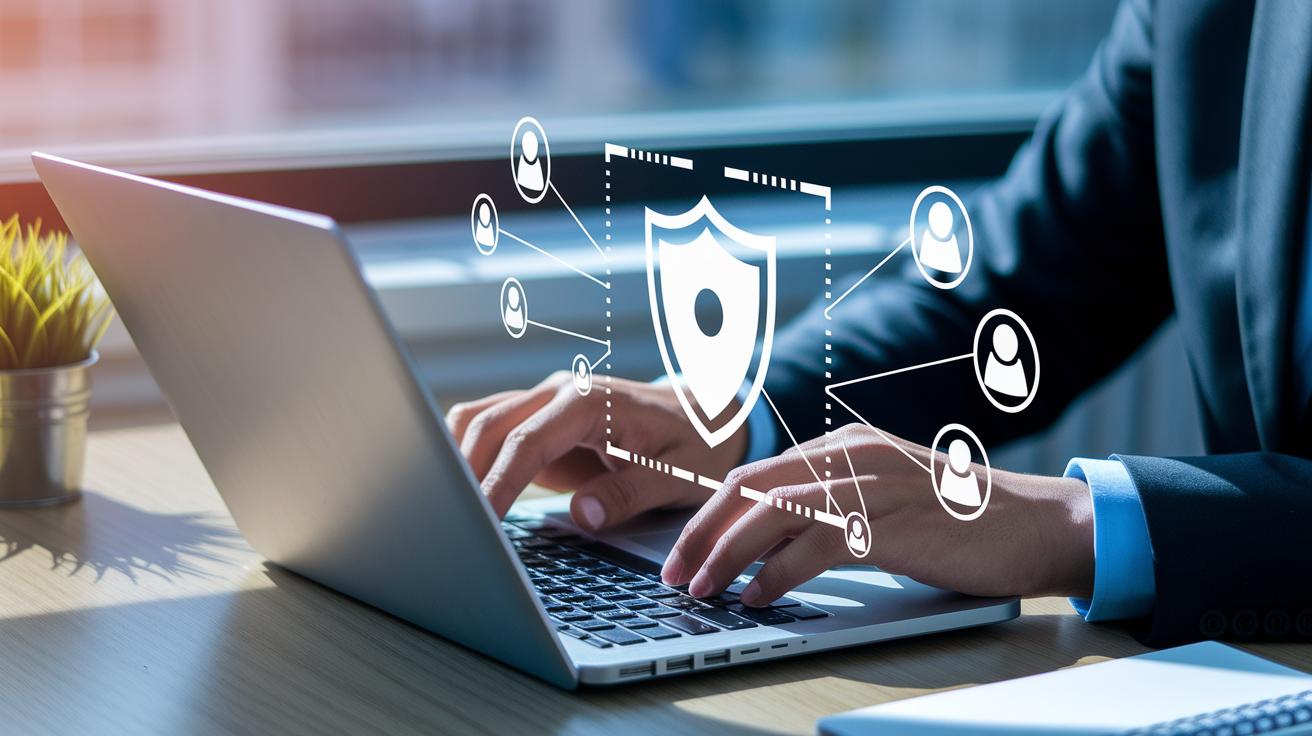
In our daily work life, it's common for employees to use devices that aren't always up to date. Using public Wi-Fi networks or running outdated operating systems can leave business accounts open to danger. Even the strictest login rules can fail when a device is using an unsupported system or connecting through a weak network. This creates easy entry points for malware and unauthorized users, which is why it's so important to secure both individual devices and your network.
Keeping your devices secure is a big part of the solution. Regular updates, like patch management, help keep your operating systems and apps in good shape. It’s a smart idea to run regular vulnerability scans to spot any weak points before someone with bad intentions does. Plus, setting up safe browser settings and using strong antivirus software can act like a sturdy lock on your digital door. Sometimes, a quick review of your settings, maybe even with advice from experts in mobile and desktop security, can make all the difference.
Getting your network in tip-top shape is just as important. Using a VPN (a tool that creates a secure tunnel for your data) can protect your information when you're on public Wi-Fi. Adding solid firewall rules and doing regular network scans helps close any gaps that might let in unwanted guests. With careful attention to both your devices and your network setup, small businesses can lower the risk of unauthorized access and keep their sensitive data safe and sound.
Cultivating Employee Risk Awareness and Insider Threat Detection

In small businesses, every team member matters. Each person can help stop threats in their tracks. Real-world training turns everyday staff into a strong, human shield against cyber attacks.
Regular, hands-on training is key. Mistakes can leave gaps in security. By practicing with exercises that mimic scams like Business Email Compromise (a type of scam where fake emails trick you into sending money), employees learn to spot fake emails and risky online behavior. These drills build confidence and keep everyone alert.
It’s also important to give your team practical tools in their daily work. Running phishing simulations helps employees learn to catch tricky messages. Monitoring unusual behavior guides managers in spotting early signs of trouble from within. Automated systems check digital transactions for odd patterns and alert the team when something is off. And, having simple ways to report any concerns makes it easy for staff to speak up.
All these steps help protect important data and create a work atmosphere where everyone is watchful and responsible. It’s a team effort that makes the entire company stronger and more secure.
Securing Cloud and Remote Access for Small Business Accounts

Cloud services give you great flexibility for everyday business, but if you don’t lock them down properly, it can be like leaving your front door open. When you stick with default login details (the standard username and password that come with a service), cyber attackers might find it too easy to sneak in and grab your sensitive data. Remote access adds more risk, too, especially if your team is working on untrusted networks or using older gadgets. One breach can expose private files and throw a wrench in your business. So, keeping things both accessible and secure is absolutely key.
Here are some practical tips to beef up your security:
- Use VPNs or zero-trust networks (networks that assume no device is trusted until proven otherwise)
- Remove any default or shared login details
- Set up role-based access controls (limiting what people can do by giving them only the rights they need)
- Encrypt all remote sessions and file transfers (turning data into a secret code during transfer)
- Introduce session timeouts and geo-fencing (setting up boundaries based on location)
- Do endpoint posture checks before letting users log in (making sure their devices meet your safety standards)
Encrypting your data is vital both while it’s moving and when it’s stashed in the cloud. This makes it unreadable if intercepted, imagine your information wrapped in a lock that only you can open. Tools like secure API integrations (methods that let different software talk safely to each other) add extra layers of protection during communication with the cloud. When you mix these best practices with strong encryption and careful key management, you set up a tough barrier against unwanted access.
Really, strong encryption isn’t just about turning data into a jumbled mess. It’s a smart way to make sure every file, whether on the move or at rest, stays out of reach from uninvited eyes. With solid key management in place, even if someone tries to break in, your sensitive details stay protected. By stitching these protocols into your daily routine, you help ensure that your business’s remote connections are just as safe as your in-office systems.
Implementing Data Backup, Recovery, and Incident Response Procedures

Strong backup plans work as a safety net when your business systems are hit by problems. Think of the 3-2-1 rule as keeping three sets of your data on two different types of storage, with one copy tucked safely away offsite (kind of like having a spare key hidden in a friend’s house). Regular backups, each with its own version, ensure you can easily rewind to an earlier state when needed.
It’s also wise to have an incident response plan ready because, let’s face it, nothing is 100% foolproof. A clear plan spells out what each team member should do, how to stay in touch, and when to escalate issues. This means when trouble comes knocking, everyone knows just what to do and can act fast, reducing any damage.
Lastly, make sure your recovery steps line up with any compliance rules. Keeping well-documented processes not only helps during audits but also shows just how serious you are about protecting your data. Running regular drills and tests keeps everyone sharp and builds confidence in handling any threat that might appear.
Continuous Monitoring, Audit Trails, and Compliance for Account Security

Audit trails are the backbone of keeping your account safe on a small business level. Every login, role change, and file viewed is recorded in a simple timeline that you can review if something unexpected happens later. Imagine getting a quick notification when an odd download occurs after hours, it’s like having a friend alert you when things aren’t quite right.
Real-time threat detection, mixed with monitoring how users behave, helps you spot strange activities right away. It’s a bit like hearing the smooth click of a secure login and knowing right then that everything is in order.
Bringing these audit logs and alert systems into your regular compliance check-ups makes sure you’re following your privacy rules. By looking over these records regularly, you can see that each login or change matches up with what your guidelines and regulations require. It also shows if someone is accessing sensitive info at odd times, so you can tighten up your policies as needed. This steady check keeps your business nimble and strong, ready to adjust its security on the fly while staying in line with all the rules.
Final Words
In the action, we broke down key tactics to protect sensitive data from weak logins to managing cloud access securely. We talked over strong passwords, multi-factor systems, device defenses, and risk awareness. Each step builds a shield that wards off attempts to breach your systems. Daily habits now include backup plans and audit trails that capture every change. All these measures work together to boost account security for small businesses, paving the way for safer, smarter financial management and a future full of promise.
FAQ
Q: What are the best account and cyber security options for small businesses?
A: The best account and cyber security for small businesses combine free tools with advanced methods like strong passwords, multi-factor logins, and continuous monitoring to keep digital assets safe and reduce attack risks.
Q: Is there a cybersecurity checklist for small businesses?
A: A small business cyber security checklist covers secure login practices, network safety measures, routine backups, and regular audits to help safeguard business systems and customer data from intrusions.
Q: Where can I find a cybersecurity policy template in PDF for small businesses?
A: A cyber security policy for small business PDF offers documented guidelines for protecting data that businesses can download online, outlining responsibilities, procedures, and safety measures in clear terms.
Q: What do FTC cybersecurity guidelines for small businesses advise?
A: FTC cybersecurity for small business guidelines advise companies to follow basic security frameworks, including risk assessments and data protection measures, to minimize breaches and maintain customer trust.
Q: How lucrative is a career in business cyber security?
A: A business cyber security salary reflects competitive compensation that increases with expertise and experience, indicating the field’s profitability as demand grows for skilled digital defense professionals.
Q: Which internet security measures work best for small businesses?
A: Internet security for small business measures best include strong antivirus software, active firewalls, regular device updates, and endpoint monitoring to keep sensitive data secure from online threats.
Q: What does the cyber security trade involve?
A: The cyber security trade involves professionals and companies providing security solutions, consulting, and support to protect digital systems, ensuring that business information remains confidential and well-guarded.
Q: How is CrowdStrike used by small businesses?
A: CrowdStrike for small business provides advanced endpoint detection and response tools designed for smaller companies, offering real-time monitoring and alerts that detect and counter cyber threats quickly.
Q: What are EDR solutions for small businesses?
A: EDR for small business refers to endpoint detection and response services that monitor, detect, and quickly respond to suspicious activities on devices, minimizing damage from security breaches.
Q: What key practices form a strong cyber security practice for businesses?
A: A solid cyber security practice for businesses involves enforcing robust authentication, updating devices and software frequently, and training employees to recognize phishing and other digital threats.
Q: Where can I find reliable cyber security websites for small business advice?
A: Cyber security websites provide expert advice, industry news, and practical tips that keep small business owners informed about emerging threats and effective strategies in digital security.
Q: Is running a cyber security business profitable?
A: The cyber security business is profitable as demand for secure digital practices grows, driving companies and experts to invest in new solutions and services that protect valuable information assets.