


Ever worry that one wrong click might really cost you dearly? In 2024, online scams shot up quickly and left many people with huge losses. Even just clicking on a suspicious link can let hackers (skilled cyber thieves) snag your personal details.
That’s why it’s so important to stick to a few key cybersecurity tips. Think of these tips like a trusty shield that guards your private space. They help keep your information safe and give you peace of mind.
Today, we’re chatting about some simple yet powerful steps you can take to stay secure every time you log on. Imagine the smooth click of a secure login, each step is designed to protect you just like that.
Immediate Cybersecurity Measures for Account Protection
Cybercrime is climbing fast. In 2024 alone, the FBI recorded more than 859,000 complaints about online scams that cost about $16.6 billion. A single misstep, like clicking on a suspicious email, can empty your bank account or install nasty malware. It’s clear that quick, smart cybersecurity is something we all need when we’re online.
Every click counts. When you browse websites, check your emails, or enter your personal info, it only takes a tiny gap for cyber crooks to sneak in. Think of your online security like a trusty shield that protects you from harm. Here are some simple steps you can take:
- Always think twice before clicking on a link, especially if it comes out of the blue.
- Create unique, strong passwords for every account (imagine using at least 12 characters with letters, numbers, and symbols).
- Switch on multi-factor authentication (this means you’ll need a second way to prove it’s really you, like a code sent to your phone).
- Keep your operating system, web browsers, apps, and even your firewall firmware updated. These updates plug any gaps that might let hackers sneak in.
- Dodge public Wi-Fi when you can, or if you must use it, log on through a trusted VPN (a tool that safely wraps your online activities).
- Turn on device encryption so your personal data stays protected even if your device gets lost or stolen.
- Use a trusted password manager to safely store all your logins, and think about customizing your settings via My Account Security.
Following these simple actions can keep your sensitive information safe and help build a strong defense against new and evolving cyber threats.
Strengthening Passwords for Enhanced Account Protection

Make sure your passwords are one-of-a-kind and strong. Don’t use easy stuff like your birthday or common words that anyone could guess. Instead, mix things up with random letters, numbers, and symbols, aim for at least 12 characters. It’s like locking your door with a complex keypad rather than just a simple key.
A password manager works like a digital vault that holds all your unique passwords behind one master code. Update your stored passwords every six months and change your challenge questions too. Avoid questions that use info others could easily find online. Use answers only you would know, that little secret just for you.
When creating or updating your passwords, follow a clear set of steps. Change your password regularly and switch up your challenge questions to add extra protection. For example, consider a passphrase such as "W3lcome!2021Safe" which keeps your data secure while still being complex.
Enhancing Account Safety with Multi-Factor Authentication
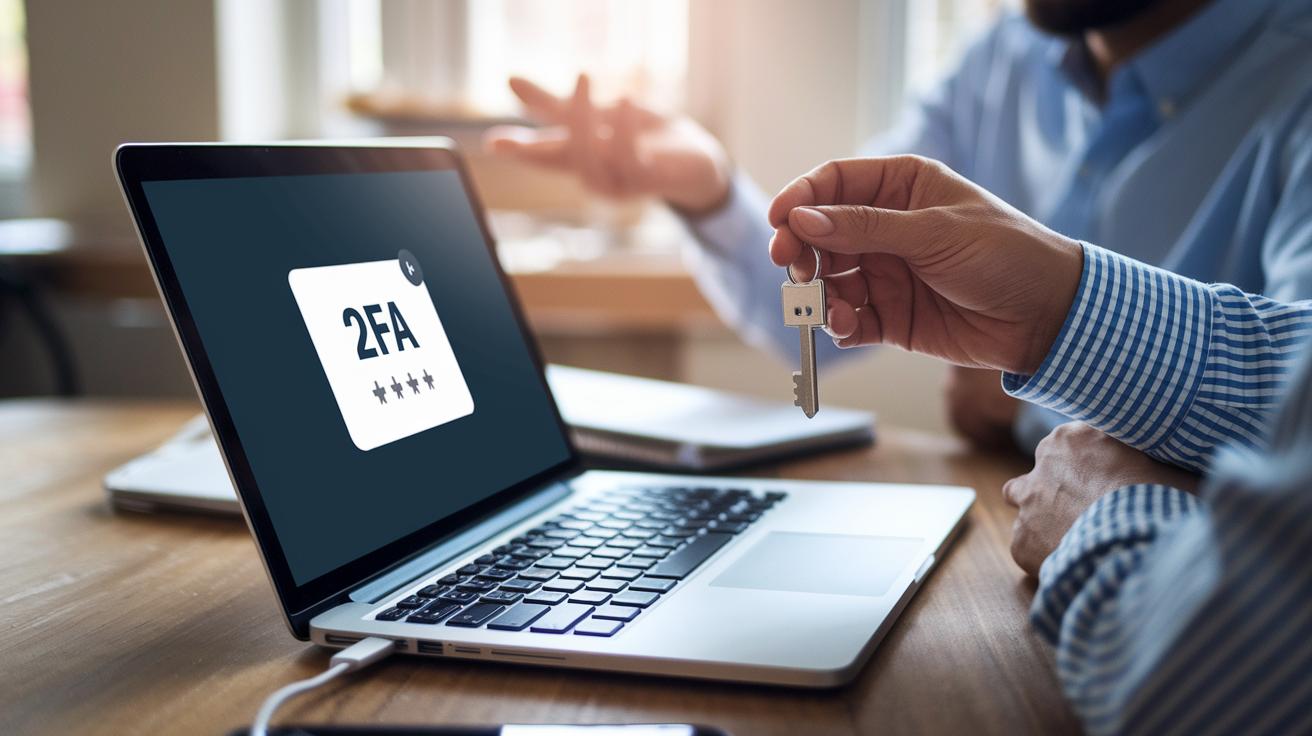
Adding an extra step helps make sure that even if someone manages to guess your password, they won’t easily get into your account. With multi-factor verification, like using an authenticator app or a security key (a special device that keeps hackers out), almost all automatic attacks trying to break in are stopped. For example, picture entering your password then receiving a special code on your phone that you have to type in too. This little extra step makes it much harder for anyone to breach your account.
You can also include methods that verify your identity with your own unique traits, like fingerprint scanning or facial recognition. These checks work like a personal key that belongs only to you, so no one else can use it. Think of it as a special stamp that fits only your account, and it fits right in with what’s called a Zero Trust model, where every login is seen as unverified until you prove it’s really you.
Mixing token authentication with ongoing identity checks sets up a strong barrier around your account. Instead of just relying on text message codes, which can sometimes be hijacked, using an authenticator or your biometric data significantly lowers the risk. This method keeps your account secure and gives you peace of mind every time you log in.
Maintaining Software Updates and Device Security for Account Protection

It’s a smart idea to set aside a regular time, say every Sunday evening, to update your computer and devices. This means checking for updates to your operating system, apps, browsers, and even your firewall’s firmware. That simple habit keeps threats away while letting you focus on your day.
A good antivirus program is like a digital shield that guards you against malware, spyware, viruses, and ransomware (bad software that can harm your computer). Keeping your antivirus updated boosts its power to block these risks, giving you extra peace of mind.
You can add another layer of safety by turning on intrusion detection for your router and firewalls. This feature watches for any odd network activity (alerts that hint at potential threats). Together with regular updates and solid antivirus protection, this approach helps keep your accounts and devices safe.
Preventing Phishing Attacks and Scams to Safeguard Your Account

Phishing emails often pretend to be from your bank or a familiar service, trying to trick you into sharing important personal details. They might use urgent language or familiar logos to seem real. For instance, you could receive a message saying your account is locked and that you need to click a link. Always be alert, if an email asks for private information or shows small mistakes in grammar or layout, it might be a scam.
It helps to steer clear of websites you don't recognize. Sometimes, shady sites can sneakily download harmful software that steals your login information. Sharing too much on social media can also give scammers enough clues to write a message that feels personal and believable. Keeping a close eye on what you post online can lower your risk of being targeted.
Another simple tip is to use bookmarks for your trusted banking or business sites and clear your browser's cache regularly. Adjusting your cookie settings can reduce the chances of unwanted tracking and session hijacking (when someone else takes over your active online session). Together, these habits create a strong barrier that makes it much tougher for cyber crooks to breach your account.
Securing Networks and Connections for Account Protection
When you go online, your network setup can be your first line of defense. Public Wi-Fi spots might let others peek at your data, so try using your own mobile hotspot or a trusted VPN service to scramble your online info (that means keeping your data secret). Think of a VPN like a sealed envelope, keeping your messages safe from prying eyes.
Backing up your important data with encrypted cloud services gives extra protection. Even if someone manages to intercept your backup, they won't be able to read it. And if your device goes missing, having remote wipe enabled on your phone or laptop lets you erase vital data quickly. This simple step helps protect your personal information when unexpected things happen.
To keep your network secure, set up secure DNS filtering or use proxies to block risky sites and fend off denial-of-service attacks. It's like having a bouncer at the door, keeping out unwanted visitors. Take a moment now and then to review your settings, ensuring your network stays strong and your login details remain safe.
Monitoring Account Activity and Recovery After a Breach

Keep an eye on your account by turning on login notifications and checking your sign-in records regularly. These alerts work like a trusty flashlight in a dark room, helping you spot any odd behavior. It’s a smart move to use tools that track logs or simply review your account’s history to catch unexpected events. Even a small clue, like a login from a new device or a strange location, can be an early sign of trouble. You might also want to sign up for consumer-fraud alerts and check your credit reports from the major bureaus each year to catch any fraud quickly.
Regular monitoring gives you a clear picture of your digital life. Think of it like keeping a diary where each note builds a story that shows any unusual patterns needing attention.
If you suspect someone has been in your account, act fast. Reset all your passwords right away and use any available lockout features to keep intruders out. Quickly checking what data might have been exposed is key to stopping more damage. For instance, if you notice changes in your transaction history you didn’t make, take steps immediately to secure your funds.
After handling these immediate fixes, take a close look at which parts of your account were affected. This risk assessment will help you decide what to do next. Sometimes, you may even need professional help or forensic services to sort out the breach and restore your account securely.
Final Words
In the action, we touched on practical measures from strengthening passwords to setting up multi-factor authentication and regularly updating your devices. We broke down ways to fend off phishing scams, secure your network, and monitor account activity, all designed to keep you one step ahead of online threats.
By following these seven key actions, you make a confident choice toward solid financial safety. Keep these cybersecurity tips for protecting your account handy and feel secure knowing you're taking smart steps every day.
FAQ
What are some cyber security tips for students, employees, and individuals?
Cyber security tips for these groups include using strong, unique passwords, keeping software updated,
activating multi-factor authentication, and staying cautious with unknown links and attachments.
What are 10 ways to prevent cyber attacks?
The 10 ways to prevent cyber attacks involve practices like using multi-factor authentication, updating software regularly,
steering clear of public Wi-Fi, avoiding phishing emails, securing networks, and monitoring account activity.
How can you protect your brokerage account from hackers?
Protecting your brokerage account means setting a robust, unique password, enabling multi-factor authentication,
reviewing login history, and customizing security settings available on your account management page.
What are internet safety tips and cyber security best practices?
Internet safety tips and best practices include using password managers, updating software often,
avoiding risky downloads, securing networks with a VPN, and being mindful of suspicious emails and links.
How do I secure my Gmail account from hackers?
Securing your Gmail account involves creating a strong password, enabling multi-factor authentication,
reviewing account activity, and updating recovery options to keep unauthorized access at bay.
How do I protect my personal information online?
Protecting personal information online means using complex passwords, activating two-factor authentication,
limiting oversharing on social media, and using encrypted networks to secure data transfers.
What does cybersecurity awareness involve?
Cybersecurity awareness involves learning to recognize phishing scams, staying informed about current threats,
practicing safe online habits, and regularly updating security measures to maintain protection.