

Have you ever wondered if your bank account is really secure? Every time you tap your phone, there’s a chance unexpected charges or odd login attempts could be happening in the background. It’s a bit like giving your car a quick check before a long drive.
Spend just a few minutes each week looking over your account. It can help you spot strange transactions or unfamiliar sign-ins before they turn into bigger problems. In this post, we share easy steps to keep your account safe and give you that much-needed peace of mind.
Fundamental Steps to Monitor Your Account Security

Keeping an eye on your account is key to catching unauthorized charges quickly. With digital banking right at your fingertips, you can easily check that every purchase, from checking and savings to money market funds, CDs, and even loans, matches your usual spending. Think of it like giving your accounts a quick health check, much like checking your car before a long drive.
Try to log in at least once a week and give your monthly statements a good look. Your online banking or mobile app is the first line of defense, showing you things like small, unexpected charges or transactions that don't look right. For example, if you see a test charge you didn’t make, it might be a sign of bigger issues ahead. Regularly checking login times, transaction histories, and session details acts like a safety net that helps prevent loss.
Sometimes, outside events can increase fraud risks. Economic changes or events, like the November 2025 government shutdown that affected nearly 700,000 workers, can even lead to a spike in scams. During these times, be sure to watch for odd login details, strange transaction entries, and any hints of stolen credentials (like someone getting your login info). Staying aware of these trends will help you keep your account secure, no matter what challenges come your way.
How to Track Login Anomalies and Failed Sign-ins
Keeping an eye on your login history in your online banking can help you spot any odd activity early on. When you check details like the time you signed in and the location, it becomes easier to see if something doesn’t match your usual habits.
- Look at time stamps to catch sign-ins happening during unusual hours compared to your normal routine.
- Check geolocation data to spot attempts coming from places you don't usually see.
- Review device names and details to flag logins from gadgets you do not recognize.
- Notice if session lengths are much longer or if there are more sessions than normal since this could mean someone is trying to guess your password (a method called brute-force).
- Keep an eye on failed sign-ins to catch repeated errors that might indicate someone is testing your login credentials.
When you see login activities that seem off, such as unexpected times or sign-in attempts from strange IP addresses, it is important to act quickly. These warnings may help you uncover potential security issues. If you notice mysterious entries or unrecognized devices, it is a good idea to update your security settings and notify your bank. This quick action helps protect your account and keeps your money safe.
Setting Up Real-Time Alerts and Notifications for Account Security
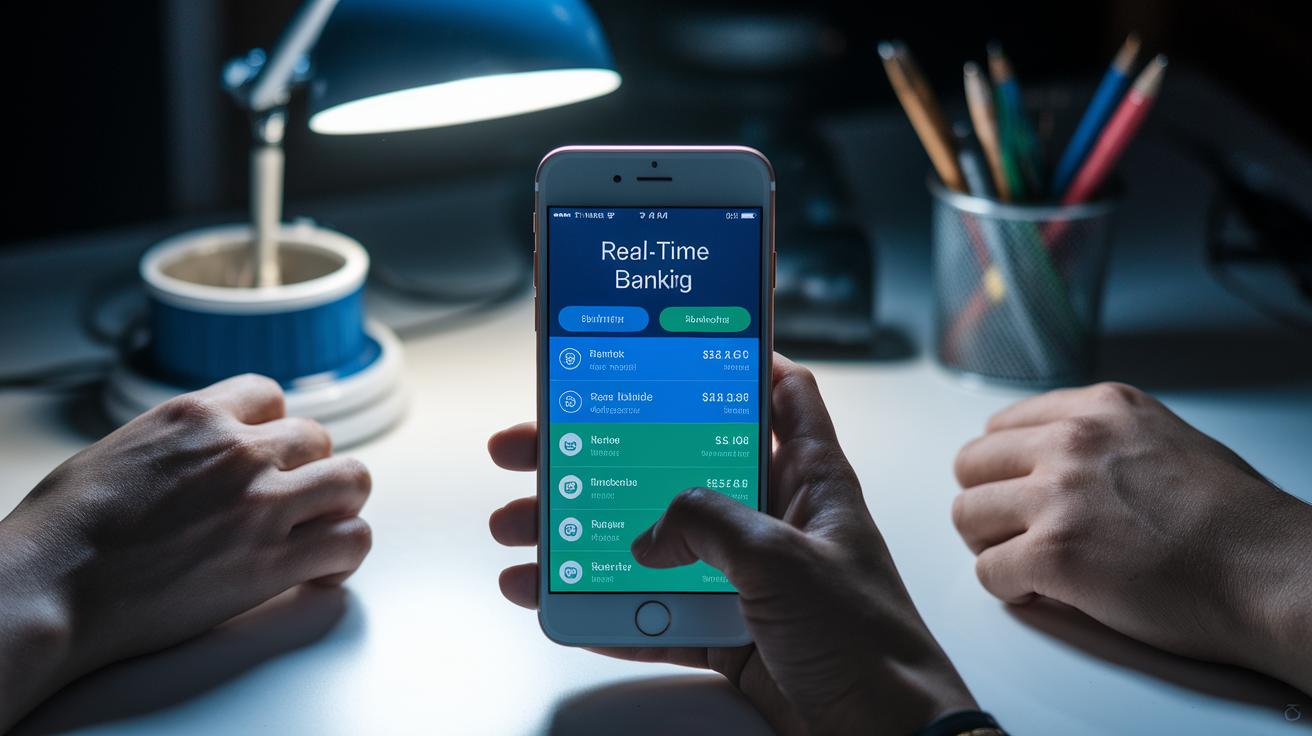
Online banking today offers real-time alerts that keep you informed about everything happening in your account. You can set these notifications for things like big transfers, signing in from a new device, changes to your password, or even when extra security steps don’t work as expected (extra security steps protect your account). When you receive these alerts via email, text, or app message, it’s like getting a friendly heads-up if something seems unusual. Imagine getting a notification in the middle of the night about a large transfer, it gives you the chance to log in quickly and check for any signs of fraud before matters escalate. Quick alerts like these help nip problems in the bud.
The trick is to adjust your alert settings so they match how you normally bank. Start by setting limits that fit your spending habits, like receiving a warning whenever a transaction goes beyond your usual amounts. Then, choose the notification method that works best for you. Maybe you’d rather get mobile push alerts when you’re on the go and emails when you’re settled in at home. With this setup, you ensure that any odd activity is spotted early, keeping your money secure and your financial life simple.
Strengthening Your Setup with Two-Step Authentication

Two-step authentication is a simple yet powerful way to keep your accounts safe. It adds an extra check so even if someone figures out your password, they’d still need a secret code to get in. This extra step might use a passkey or a secure digital key (a special code stored on your device that helps keep your data safe) to fend off attacks like phishing. Really, it blocks nearly all automated hacks, about 99%!
This method is easy to set up and helps make sure every login is really you. It even checks things like whether the location seems right and if your sign-in patterns match up. And when something unusual happens, the extra step acts like a shield that keeps your account protected and keeps a record of every login.
| Method | Benefit |
|---|---|
| SMS code | Sends a quick code to your phone, though it might be less safe if someone targets your phone carrier. |
| Authenticator app | Generates fresh, time-based codes that change often to keep strangers out. |
| Security key | Uses a physical device you keep with you, which makes it really tough for remote hackers to break in. |
It’s a good idea to regularly check that everything is working as it should. Take a few moments now and then to review your two-step settings and update any old credentials. If you lose or replace your device, reconfigure your options right away. This keeps your financial accounts protected and gives you confidence that every sign-in is safe and secure.
Reviewing Connected Devices, Sessions, and IP Activity
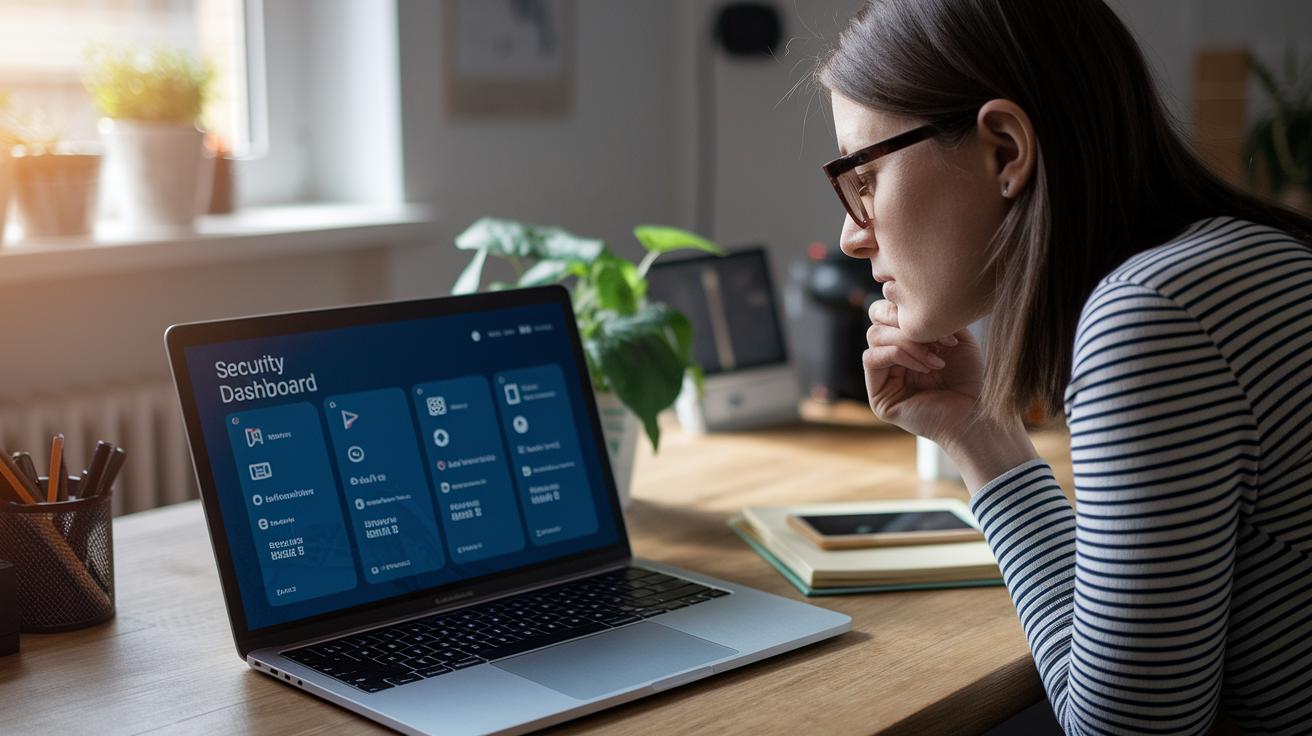
Most online banking apps and websites have a little dashboard where you can check which devices are connected. You’ll usually find it under security settings with labels like "Recent Logins" or "Connected Devices." There, you can see details such as device names, the last time they were used, and the IP addresses. For example, if you notice a device named "Samsung Galaxy S10" that you don't normally use, it’s a good idea to double-check your account.
It’s smart to make this check a monthly habit. If you see devices or login times that seem off, like a session at a strange hour or from an unfamiliar IP address, immediately remove that access. This regular review helps keep a close eye on your account, ensuring that only trusted devices are connected.
Utilizing Security Dashboards and Monitoring Tools: Stay Safe

Most banking apps today come with handy safety dashboards. They show you things like recent logins, alerts, and sign-in records right on your phone. It’s like having a mini security center in your pocket that lets you check for anything unusual in a snap.
There are also extra tools you can add, like monitoring services or browser add-ons. These extra tools let you view multiple accounts from one spot. Think of it like having a big, clear picture of all your accounts at once, so if anything weird happens, you know straight away.
Adding these safety tools to your routine makes it easier to keep an eye on things. You can set up alerts that pop up if something unexpected occurs. Over time, these dashboards help you see patterns in your account activity, which means you’re always in control.
Responding to Suspicious Activity and Incident Management
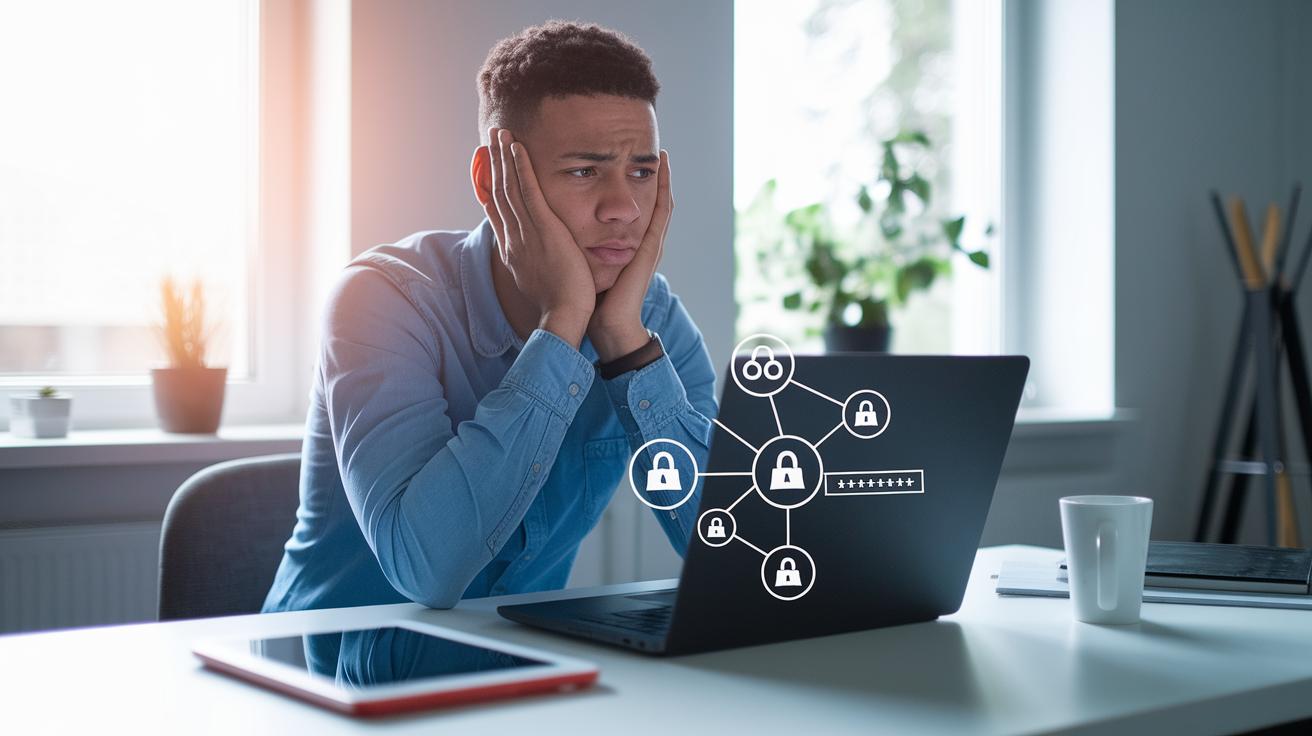
When something feels off, like you see signs of someone sneaking into your account, don’t wait. Change your password immediately and sign out of any sessions you don’t recognize. Turn on extra alerts so you get a heads-up if anything unusual happens again. Think of it like shutting the door quickly when you see a stranger trying to get in.
If the problem continues, give your bank and trusted credit bureaus a call. Ask them to put temporary holds or fraud alerts on your accounts. This helps remind everyone to keep a watchful eye and stops the issue from growing into something bigger.
Once your account is safe, take a moment to write down what happened. Update your recovery options and backup ways to sign in at once. Make a note of any strange transactions, the times they occurred, and any odd patterns you notice. This record not only helps you fix the current issue but also prepares you better for any similar problems in the future.
Final Words
In the action, we covered clear steps to secure your account, from checking login records to receiving real-time alerts.
We broke down how regular reviews, two-step authentication, and careful device checks build a secure setup.
By keeping track of sessions and using dedicated monitoring tools, you create a strong defense. Always keep in mind how to monitor your account security as you manage and grow your financial assets. Stay safe and confident every step of the way.
FAQ
How to monitor your account security online, including Wells Fargo and Bank of America?
Monitoring your account security online means reviewing your login activity, checking transaction records, and using your bank’s online security features to spot any unauthorized access quickly.
What does Google Account security check and My Account Security Checkup include?
Google account security check involves reviewing recent sign-ins, updating recovery details, and confirming trusted devices through a guided security review process available in your Google account settings.
How to secure my Gmail account from hackers?
Securing your Gmail account means enabling two-step verification, reviewing your account activity, and updating your password regularly to block unauthorized access and phishing attempts.
Can I check if my Social Security number has been compromised?
Checking if your Social Security number is compromised involves reviewing your credit reports, using identity monitoring tools, and contacting relevant agencies to spot any suspicious activity.
How do I make sure my account is secure and check if my bank account is safe?
Ensuring your account security means regularly monitoring login histories, setting up notification alerts, and reviewing your bank statements to quickly detect and address any unauthorized activity.
Is it good practice to activate dark web monitoring?
Activating dark web monitoring means receiving alerts if your personal information appears in unsafe sites, which adds an extra layer of security alongside your standard account monitoring steps.