

Ever wonder how safe your smartphone really is these days? A strong password is a good start, but your phone holds so much more, photos, emails, and bits of your everyday life.
Think of your phone’s security like building a delicious sandwich. Each layer, such as extra checks like multi-factor tools (that means using two or more ways to verify your identity) or biometric locks (using your fingerprint or face), adds a tasty boost to defend against sly cyber tricks.
These extra steps make your device much tougher for any unwanted visitors. In this chat, we'll share some simple ways to wrap your digital world in added security, keeping your important details well-protected.
Imagine the smooth click when you log in securely. Doesn’t it feel reassuring to know your personal vault is locked tight?
Mobile Account Security Best Practices: Stay Protected
These days, our phones hold everything from personal photos to work emails, so keeping them safe is a must. It’s not enough to have a strong password when cyber tricks keep evolving. Instead, think of your phone’s security like building a sandwich, each layer adds more protection against unwanted guests.
Every phone should have a mix of security tools that work together. By adding extra checks, you keep your personal details safe and still use your apps without a hitch.
- Multi-Factor Authentication (MFA): This means you get an extra code along with your password to verify it's really you.
- Biometric Authentication: Use your fingerprint or face for fast and secure logins.
- Token-based Authentication: Think of these tokens like special keys that prove your identity.
- Certificate Pinning: It’s a way to double-check that the connection you’re using is really secure.
- Device Binding: This ties your account to your specific phone, adding another shield.
- Adaptive Authentication: Your security checks can change based on your location or habits.
- Secure Session Management: This keeps your connection safe even after you log in.
- Password Manager Usage: A handy tool to store and manage strong, unique passwords.
- Regular Software Updates: These updates patch up potential weak spots to keep threats at bay.
Each step builds up your defense, making sure that hackers find it tough to get in. Whether it’s a quick scan of your face or just updating your phone’s software, every little bit helps keep your data safe. For more tips on staying secure, check out account security at https://teafinance.com?p=165.
Mobile Credential Hygiene and Password Manager Guidelines
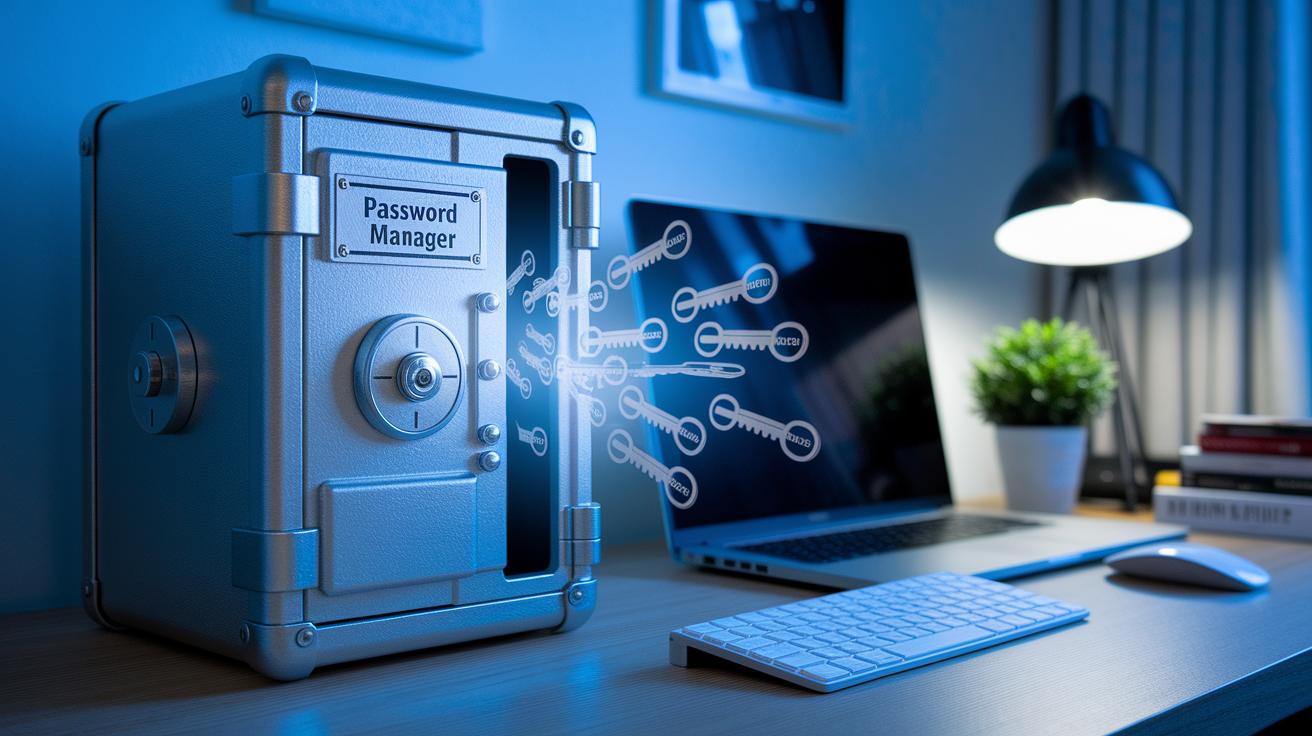
Using weak or repeated passwords is like leaving your front door unlocked, it makes it easier for bad actors to get into your accounts. Relying on simple codes or reusing them over and over creates a target for anyone trying to sneak in. Instead, think of a solid password manager as your digital safe that keeps strong, unique keys for every account, making it much tougher for hackers to break in.
Start by setting up a secure vault. Pick a trusted password manager that stores all your passwords in one safe, locked spot (encrypted means they’re scrambled up so others can’t read them). Next, use a built-in tool to create strong, random passwords that are super hard to guess, almost like having a secret recipe that only you know. Then, make it a habit to change your passwords every so often. Updating them periodically means even if someone got an old code, it won’t work for long.
Adding one-time codes to your accounts is another smart move. These codes show up just once and add an extra layer of protection, you can think of it as a second, temporary secret key that only works for a single login. Finally, take a moment now and then to check through your saved passwords. Removing old credentials and updating weak ones keeps your digital security fresh and reliable.
By working a password manager into your daily routine, you not only free yourself from the headache of memorizing countless codes, but you also boost your overall defense against cyber threats. Imagine it like having a trusted friend who always has your back when it comes to safeguarding your digital life.
Two-Factor Access Verification and Multifactor Identity Confirmation
MFA gives you an extra way to prove your identity, much like a secret handshake that only you know. Instead of relying on a single password, you use a second method to check that it’s really you. This extra step makes it much harder for someone sneaky to break in, even if they get hold of your password.
- SMS Codes – Imagine getting a quick text message with a temporary code that you enter as a second check.
- Authenticator Apps – Think of using an app that creates one-time codes. It’s like a mini-password that changes each time, keeping things secure.
- Hardware Tokens – This is a small physical device that gives you a one-time code. It’s especially good when you need a strong, extra layer of protection.
- Push Notifications – Here, a prompt pops up on your phone asking for your approval. You simply tap “yes,” and your login is all set, fast and secure.
Choosing the right mix of these options depends on your everyday needs and how much risk you’re comfortable with. Some people might like the simplicity of an SMS code, while others enjoy the extra peace of mind from combining an authenticator app with push notifications. In the end, finding the perfect balance helps keep your account safe without getting in the way of your routine.
Device Fortification: OS Patch Updates and Unauthorized Rooting Prevention

Keeping your device safe means staying on top of update patches. Regular updates from trusted sources like Apple, Google, and Microsoft fix security gaps and keep everything running smoothly so that your personal information stays protected.
Make sure your device is set to update automatically so you never miss important fixes. It also helps to use apps that alert you if your phone has been modified in ways you didn’t approve, like if it’s been rooted or jailbroken. For those managing business devices, following strict security policies keeps everything on track. And don’t forget to run regular checks to catch any weak spots before they become a problem.
Using auto-updates and routine checks together creates a strong defense against zero-day exploits (security issues that haven’t been fixed yet). With these simple practices, you build a reliable wall around your device to keep threats at bay every day.
Encrypted Network Communications and Public Hotspot Risk Management
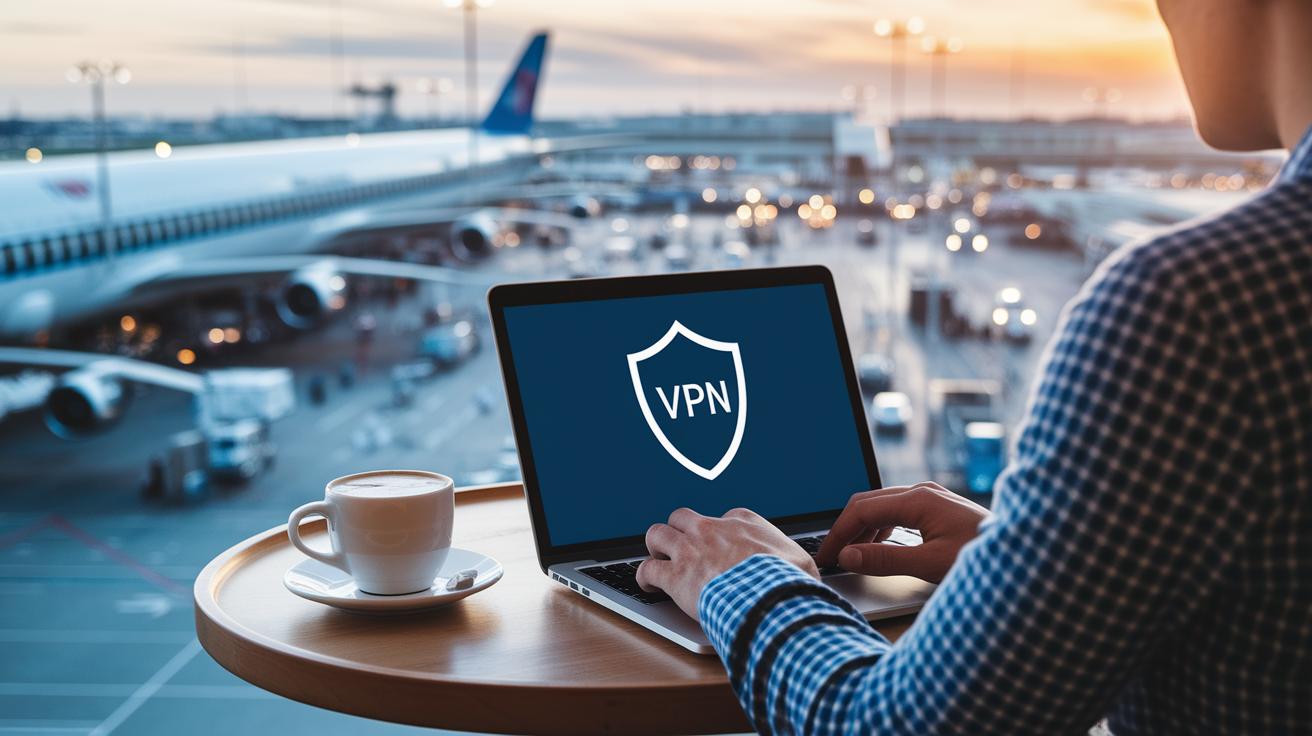
Using open networks can sometimes let others peek at your personal details. Public hotspots in your favorite coffee shop, busy airport, or even a hotel lobby might seem handy but can leave your data vulnerable to cyber thieves. When you're on the go, it really pays to add a few extra layers of protection.
Here are some friendly tips to help secure your information:
- Use VPN – Think of a VPN (Virtual Private Network) like a private tunnel that shelters your internet traffic from prying eyes.
- Enforce HTTPS – This makes sure the sites you visit use a secure connection (encryption that scrambles your data) so your details stay safe as they travel.
- Certificate pinning – This helps your app check that a website is genuine by matching its certificate with the one it expects, keeping fake sites at bay.
- Avoid public hotspots – When it’s possible, steer clear of open Wi-Fi to lower the chance of someone intercepting your data.
- Cellular encryption – Rely on the encryption from your mobile service, another safety net when you’re not connected to a secure network.
- App-level TLS – This extra layer of encryption within your app ensures your data stays protected, even on networks that might not be fully trustworthy.
Balancing easy connectivity with strong security is essential. A little extra care goes a long way in keeping your digital world safe. Ever feel that relief knowing your online activities are locked down tight? It’s a bit like hearing the smooth click of a secure login, it just feels right.
App Integrity Measures and Secure Permission Scrutinization

Malicious or overly privileged apps can put your smartphone and private info in danger. When an app asks for more permissions than it really needs, it can leave room for bad things to happen. It’s a bit like checking the ingredients on your food package, you want to make sure nothing unexpected has been included. By regularly scanning for vulnerabilities (weak spots that hackers could use) and checking the app files, you lower the risk of exposing your sensitive data. Plus, using tools like MDM/MAM (mobile device management or mobile application management, which help control what apps can do) to whitelist trusted apps makes sure only safe software runs on your device.
| Permission Type | Associated Risk Level |
|---|---|
| Camera | High |
| Contacts | Medium |
| Storage | High |
| Location | Medium |
| Microphone | High |
It’s important to build app-check routines into your regular device reviews. Regular reviews of app permissions and checking app files can catch any sneaky changes before they cause trouble. Making app checks a part of your everyday routine helps you control which apps access your valuable data. This simple but effective approach is like having a reliable security guard for your phone, keeping your information safe from unexpected risks.
Biometric Authorization Checks and Advanced Fingerprint Validation Techniques

Biometrics offer a fast and friendly way to log into your account, much like using a quick tap or glance instead of typing a PIN. It’s like the smooth click of a secure login – almost effortless. Still, don’t worry if you occasionally need a backup; a PIN is simple to remember and can save the day when your finger gets wet or the light isn’t quite right.
Using biometrics makes it tougher for someone else to mimic your unique traits, boosting your security. Yet, if you only lean on a PIN, there's a tiny chance that someone might guess it. By mixing both methods, you get the best of both worlds: rapid access and reliable protection even if one method stumbles occasionally.
- Fingerprint: Make sure your finger is clean and dry to get the best, steady reading.
- Face: Find yourself in a spot with good lighting and try to keep your look consistent for smooth recognition.
- Iris: This scan picks up a lot of detail, so it works best in settings where conditions are controlled.
- Behavioral: Think about setups that learn your everyday actions on the device, adding an extra security touch without causing any hassle.
Remember, encrypting your biometric data (scrambling it so no one can easily read it) adds another safety layer. And if things ever go off track, a secure PIN reset means you’ll always have a way back in.
Remote Data Wipe Strategies, Backup Encryption Tactics, and Incident Response Planning
Remote wiping and encrypted backups are super important because they help keep your data safe if your device goes missing or gets stolen. When you use tools like MDM (mobile device management, which helps manage devices remotely) or built-in features on your device, you can quickly lock it or wipe all data to stop anyone from snooping around. Encrypted backups add even more protection by turning your data into unreadable code, so even if someone gets your device, your personal and business info stays scrambled.
Backing up your files in a secure, encrypted cloud ensures that your important documents and memories remain safe, even if someone else gets hold of your device. Having a quick, clear plan for what to do when problems arise can turn a scary breach into a small hiccup. Acting fast might be the key difference between a minor issue and a major data disaster.
- Tell your IT team right away so they can jump in and help.
- Start a remote wipe to clear all data from the lost or stolen device.
- Bring back your data by restoring from clean backups onto a secure device once everything is safe.
Regularly testing your recovery plan helps you stay ready for any unexpected trouble.
Final Words
In the action, we explored secure mobile account security best practices that help protect every step of your money management. We broke down the benefits of strong authentication, thoughtful password routines, and reliable two-factor checks. We also examined keeping devices updated, managing app permissions, and using biometric checks for easy yet secure access. With these simple tips, everyday financial tasks become a lot safer and more clear. Embracing a few smart habits can help keep your accounts secure and give you greater peace of mind.
FAQ
What are the best security practices for mobile devices?
The best security practices for mobile devices include using multi-factor authentication, regular OS updates, avoiding public Wi‑Fi, using password managers, and scrutinizing app permissions to help safeguard your data.
How do mobile account security best practices apply in cyber security?
Mobile account security in cyber security means using features like biometrics, token‑based authentication, and encrypted network communications to protect personal and business data from online threats.
What is the recommended practice for using mobile banking security?
Mobile banking security is recommended by using strong, unique passwords, activating multi‑factor authentication, avoiding unsecured networks, and regularly reviewing account activity to maintain robust protection.
What are the 5 P’s and the 5 A’s of security?
The 5 P’s emphasize policies, procedures, people, processes, and physical devices, while the 5 A’s focus on aspects like authentication, authorization, accounting, administration, and auditing to create a complete security framework.
Where can I find reliable mobile device security PDFs and apps?
Reliable mobile device security PDFs and apps are available through trusted sources, including government guidelines, specialist tech websites, and reputable vendors who provide up‑to‑date risk mitigation tools.