


Ever wondered if your simple password could be the weak spot in your online safety? Hackers are getting smarter all the time, and sticking with just one way to guard your info might leave you open to risks. Imagine using your phone to scan your fingerprint (a way to check your unique mark) or getting a one-time code from a special key. These extra steps work like additional locks on your door.
In this article, we look at different ways to sign into your accounts that mix strong security with a smooth experience. It’s like having a backup plan that’s both simple and effective.
Core Online Account Authentication Methods
When you log in to see your bank details, health records, or private messages, you need to prove you’re really you. This process is called authentication, and it keeps your important information safe. Fun fact: Before smartphones, people used handwritten ledgers to check their money, so keeping things secure has always been a big deal.
There are several ways to make sure your identity is confirmed. One method uses a token , a little gadget or software tool that generates a one-time code you need when you log in. Then there’s the trusty password, where you mix letters, numbers, and symbols. But even strong passwords can be at risk if they aren’t protected with safeguards like limiting login attempts and using secure methods to store them.
Biometric authentication takes a different route by using your unique features, like your fingerprint or face. These details are so unique they’re hard to copy. Multi-factor authentication, or MFA, combines two or more methods , say, a password plus a fingerprint , creating a tough barrier against unwanted access.
Another option is certificate-based authentication. This method uses digital certificates and a security process called public-key cryptography (a secure way to share keys) so both you and your device can prove you’re safe to access the system. And then there’s passkey authentication, which cuts out traditional passwords completely by using secure cryptographic keys stored on trusted devices, often checked along with your fingerprint.
Every method has its pros and cons. That’s why mixing a few different approaches can make your account even safer. In practice, using advanced systems like the ones explained at account security is essential for keeping sensitive information secure. By balancing ease-of-use with strong security checks, you can rest a little easier knowing your data is well protected even in today’s digital world.
Password Protection and Passwordless Solutions
Password protection usually means coming up with a mix of letters, numbers, and symbols that you have to remember. It’s almost like creating your very own secret code to keep unwanted guests out. But if you try too many times or use simple or repeated codes, bad actors might break in. That’s why building strong passwords means using techniques like secure hashing (a method that scrambles your data for safekeeping).
Today, we’re seeing more ways to skip the hassle of remembering those tricky codes. With passwordless options, you might use a passkey that works with digital locks and even a fingerprint scan to let you in quickly. One-time codes sent via text or email work like a temporary key that only fits once, lowering the risk of someone else using it. And if you prefer, logging in with a single trusted account from Google or Apple makes things even simpler.
There’s also something called federated identity. This lets you log in just once and then use several apps without having to remember separate passwords every time. It’s like having one master key for multiple doors. This mix of old and new gives you more choices while keeping your personal and financial details secure.
Imagine a time when protecting your information is as easy as tapping your phone, safe, simple, and effortless.
Multi-Factor and Risk-Based Verification Techniques
Multi-factor verification is a smart way to secure your information. It checks at least two types of evidence before letting you in. Think of it like using both a secret code and a key. You might use something you know (like your password), something you have (such as your phone), or something you are (like a fingerprint scan). For instance, you enter your password and then tap an alert on your phone to confirm you really are you. This makes it a lot tougher for someone to break in.
Another common method sends a one-time SMS code to your phone. You have to type in this code quickly because it only works for a short while. So even if someone gets your password, they’d still need your phone to get in.
Risk-based (or adaptive) verification upscales your security by changing the checks it needs based on where you are or what device you’re using. If you log in from a new device or a strange location, the system might ask for extra steps just to be safe. This kind of real-time check stops a lot of sneaky attempts before they cause any issues.
| Factor Type | Example |
|---|---|
| Something you know | Password or PIN |
| Something you have | Security token or smartphone |
| Something you are | Fingerprint or facial scan |
Biometric Recognition Systems in Authentication
Biometric authentication uses parts of you, like your fingerprint, face, voice, or even retina, as a personal ID. Imagine unlocking your phone with just a glance, almost like a scene from a futuristic movie that makes you smile.
These methods are extra secure because you can’t easily copy a fingerprint or mimic your face. It’s like having a secret handshake that only you know. But to work right, biometric systems need special sensors and hardware, think of your phone’s fingerprint sensor that scans your touch and keeps a unique digital copy of your print safe on the device.
There’s a catch, though. If someone steals your biometric data, you can't simply swap it for a new one like you might with a password. This makes keeping your info safe a bit more challenging over time.
That’s why it’s important to design these systems with privacy in mind. They usually store your biometric details locally using protection like encryption (a simple way to make data unreadable without a proper key). In short, while biometrics can offer solid security, they must be carefully set up and regularly maintained to keep your sensitive information safe.
Token-Based and Certificate Authentication Methods

Token-based authentication is more than just one-time codes these days. It works fast and uses very little network resources, making it efficient. But if you lose your physical token or it goes out of sync, it can create some problems. Think of it like misplacing your house key, you might get locked out until you find it.
Certificate-based authentication relies on digital certificates and secure coding (public-key cryptography, which is a way to keep data safe) to confirm both your identity and your device's security. Sometimes, if a certificate is almost expired or issued incorrectly, it can slow things down a bit. Picture it like nearing the end of a bus ticket’s validity right when you need to get on board.
New trends are now mixing these security methods. Many banks and companies are combining tokens with biometrics (like using your fingerprint) and setting up smart systems that automatically renew certificates before they expire. This smart approach helps reduce delays and makes the whole security process smoother.
| Aspect | Token Authentication | Certificate Authentication |
|---|---|---|
| Performance | Quick with very little network load | Solid, but requires certificate management |
| Common Pitfalls | Risk of token loss or sync issues | Problems with expired or wrongly issued certificates |
| Emerging Trends | Pairing with biometrics and mobile solutions | Automated management of certificate lifecycles |
Best Practices and Compliance for Secure Authentication
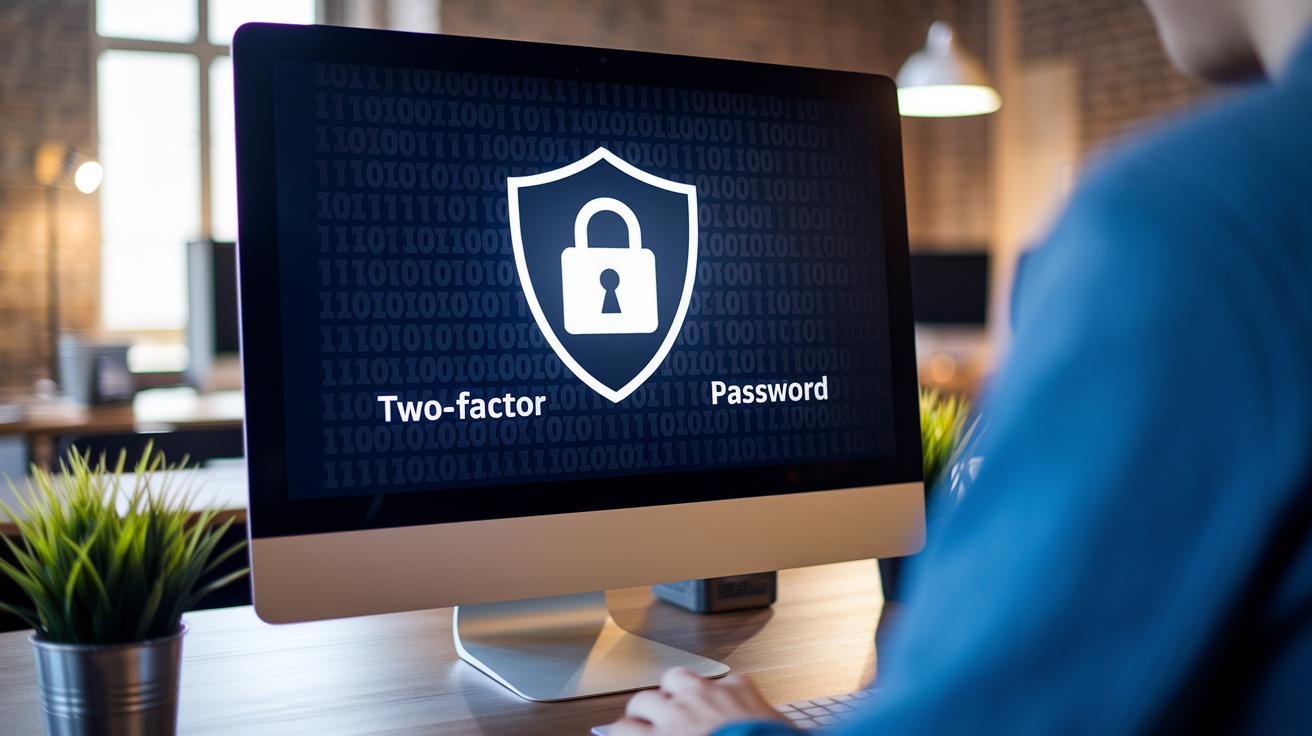
When it comes to keeping your account safe, using several layers of protection really pays off. You need strong password rules, where passwords get turned into scrambled data (that’s secure hashing, a way to keep your info private) and measures that slow things down if someone tries to log in too many times. Even if a user types a password over and over by mistake, the system will intentionally slow access to ward off potential attacks.
It’s also key to have a secure way for users to reset their passwords. Think of it as a friendly guide through a digital vault, simple, step-by-step instructions that help you get back in without exposing any secrets.
Your account recovery plan should be smart enough to catch any unusual access. By keeping detailed records of every action (audit logs), admins can quickly spot anything out of the ordinary. It’s like having a watchful security guard who never misses a beat.
Staying on the right side of regulations like GDPR, HIPAA, and PCI-DSS is a must. Regular security checks and tests, think of them as safety drills, help ensure your defenses are up to the task. Imagine a system that routinely scans for odd login attempts, working just like a guard making rounds in your data center.
| Security Control | Description |
|---|---|
| Login Rate Limiting | Slows down repeated login attempts to block brute force attacks. |
| Secure Reset Procedures | Provides a safe method for users to recover access without compromising data. |
| Audit Logs | Tracks account activities to ensure session integrity and detect anomalies. |
And don’t forget to keep a close watch on your systems. Continuous monitoring and regular risk evaluations (a bit like routine check-ups) are essential to making sure your authentication stays strong and compliant.
Final Words
In the action, this article broke down different ways to protect your sensitive information. It covered core online account authentication methods like tokens, passwords, biometrics, and multi-factor setups. We also touched on modern passwordless strategies and risk-based checks that adjust based on unusual behavior. Each method offers its own strengths while keeping your data secure. Stay confident knowing these secure login protocols work together to keep your financial operations safe and sound. Positive steps like these make managing money a bit easier every day.
FAQ
What are common online account authentication methods including MFA?
Online account authentication methods include passwords, tokens, biometrics, and certificates. MFA (multi-factor authentication) combines two or more factors—like a password plus a token—to better secure sensitive data.
What are the four types of authentication?
Four common authentication types are password-based, token-based, biometric, and certificate-based. Each type confirms identity in a distinct way, sometimes even being combined for extra security.
How do you set up and verify identity using the Login.gov authenticator app?
Setting up the Login.gov authenticator involves scanning a QR code with your device, then verifying your identity through the app. It also supports switching to a new phone with proper verification.
What are the Microsoft authentication methods used for account security?
Microsoft authentication methods include traditional password logins alongside MFA options like push notifications, SMS codes, and biometric checks, all designed to protect sensitive data from unauthorized access.
What authentication methods are typically used for web applications?
Web applications rely on password-based systems, MFA that adds tokens or biometrics, and certificate or token-based methods to secure user access and protect confidential information.
What are the three methods of user authentication?
The three methods of user authentication are based on something you know (password), something you have (token or device), and something you are (biometric traits), offering layers of security.
What is the Type 3 authentication method?
Type 3 authentication generally refers to advanced verification processes, often involving multiple factors and adaptive checks that adjust dynamically based on user behavior and device context.
Is SSO or MFA more secure when protecting accounts?
SSO (Single Sign-On) simplifies access across services, while MFA adds extra layers by requiring multiple forms of verification. MFA is considered more secure for protecting sensitive accounts.
What is the most common authentication method in use today?
The most common method remains password authentication, which is often enhanced with MFA to provide additional layers of defense for safeguarding personal and sensitive information.